Job management software for property maintenance firms
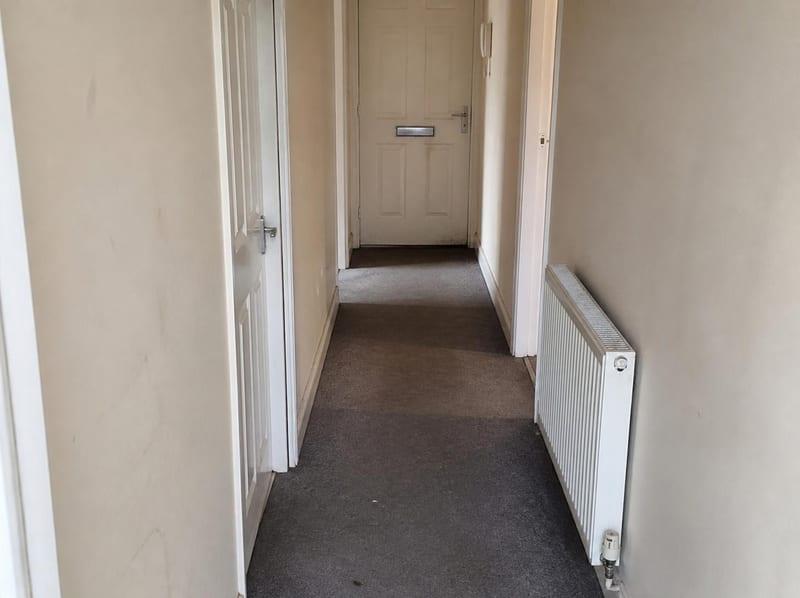
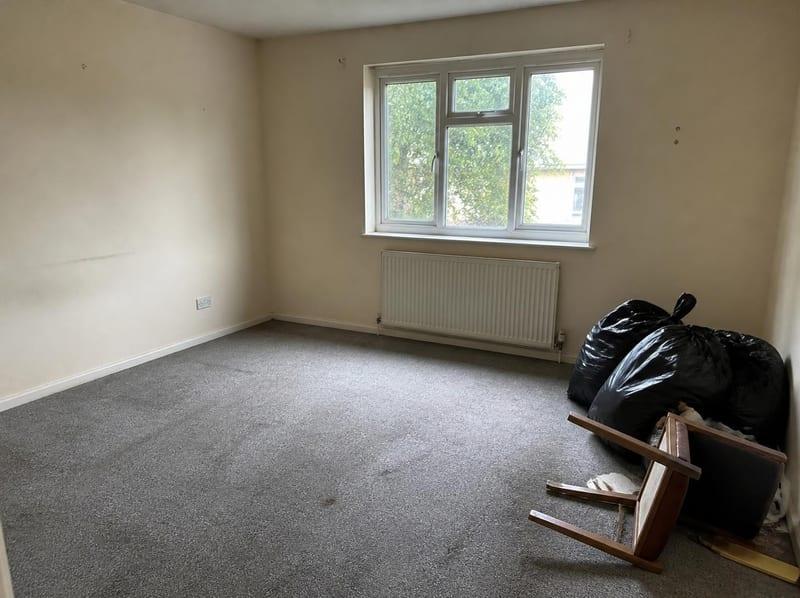
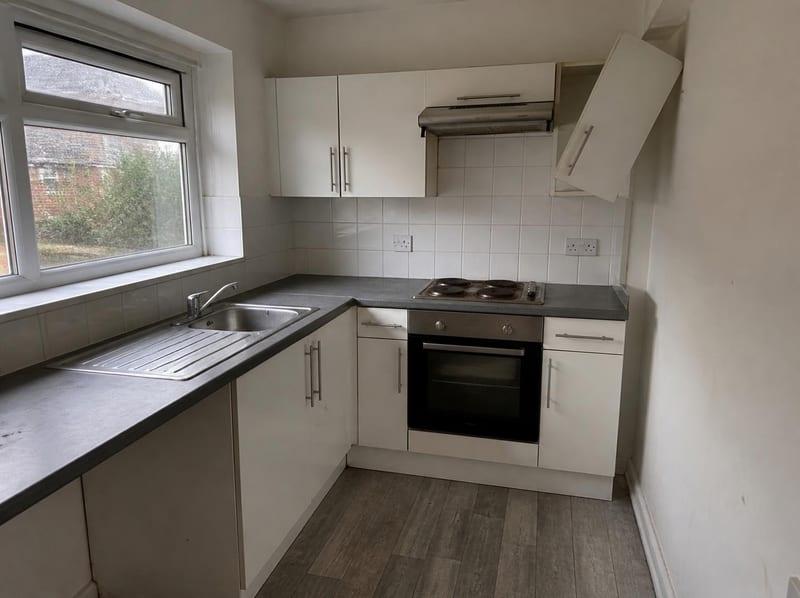
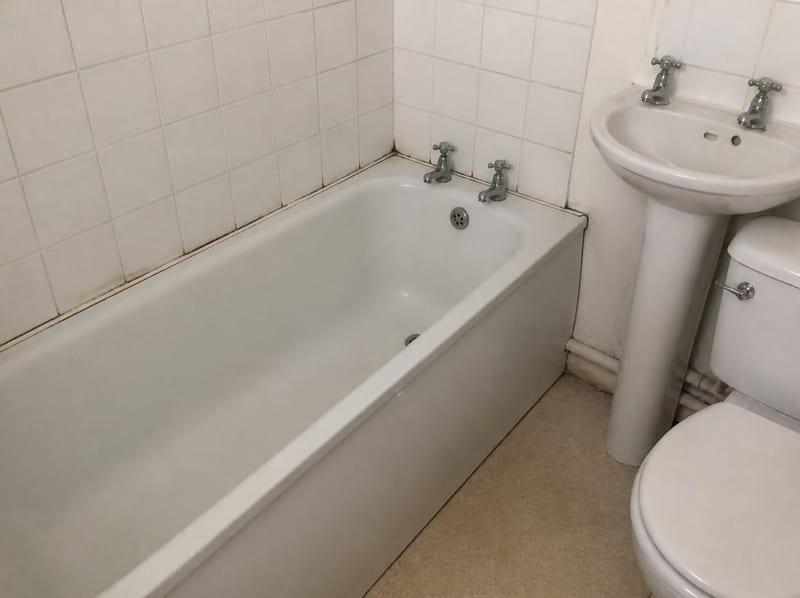
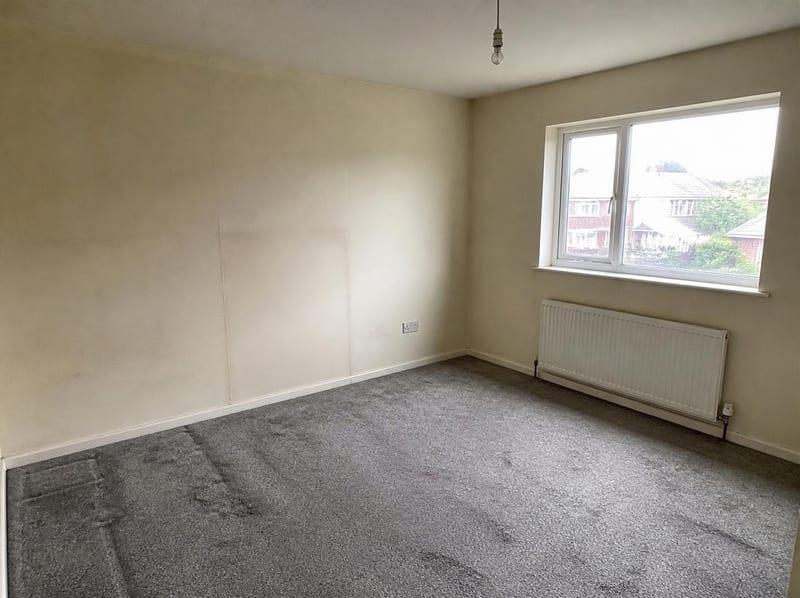
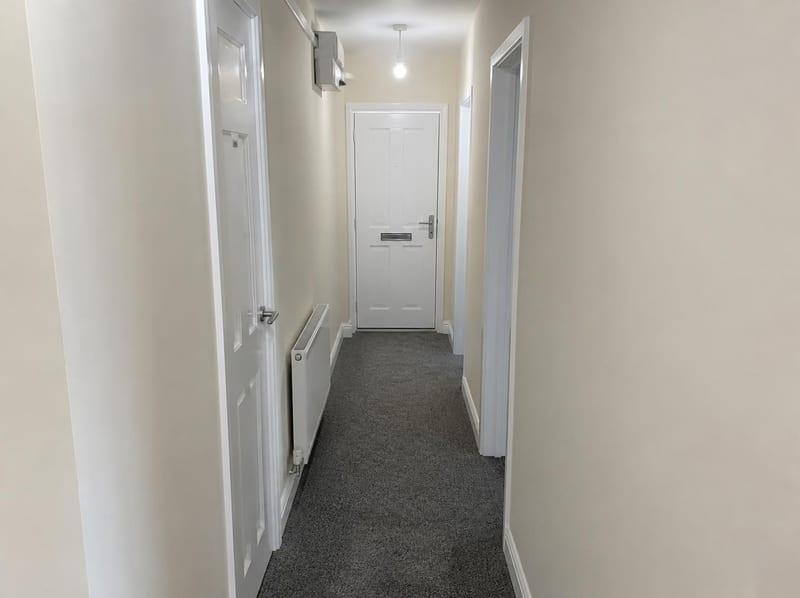
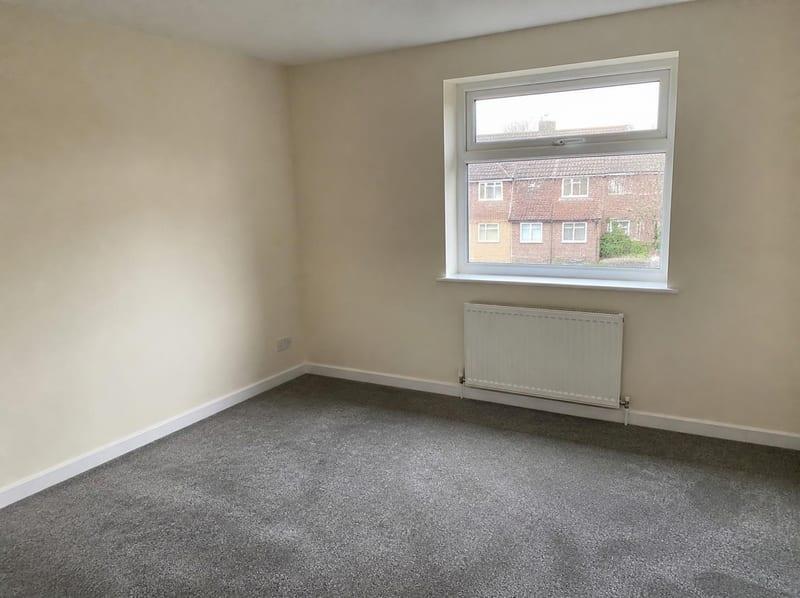
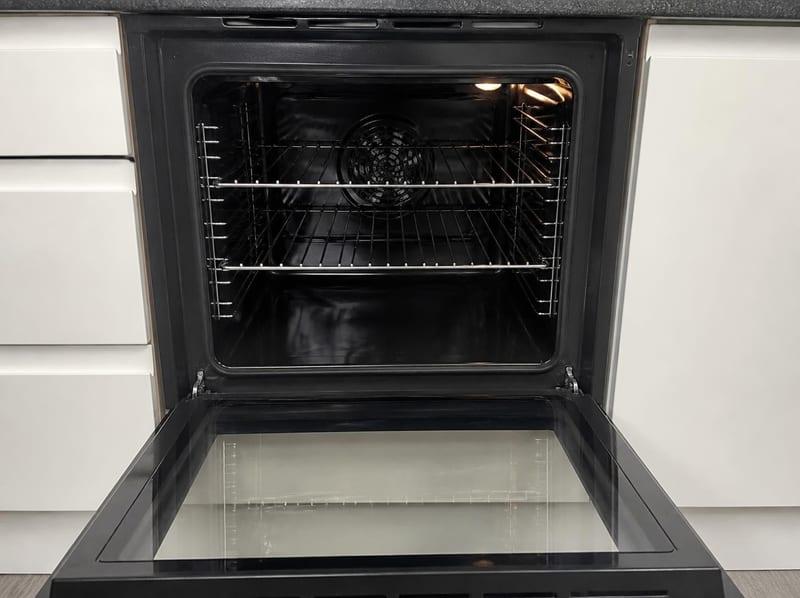
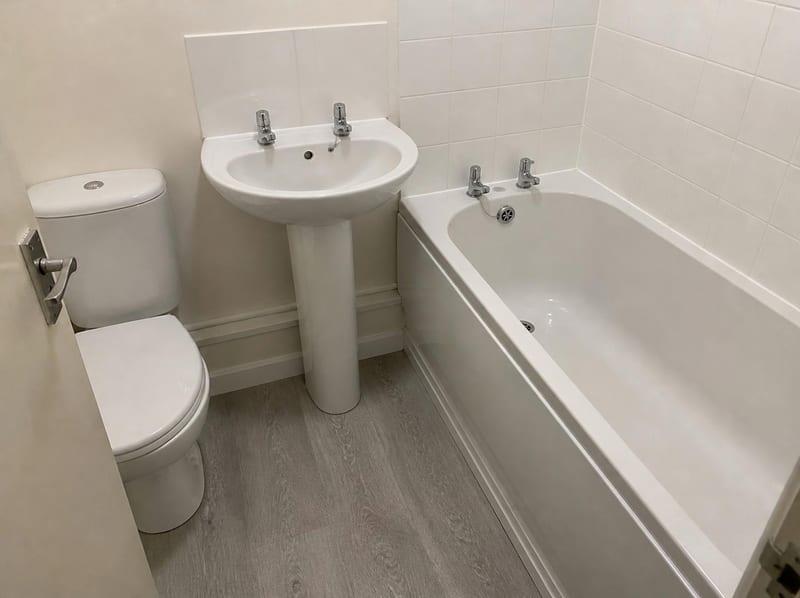
One void at a let flat, followed from the lettings agent’s works order to the paid invoice.
- Mon 5 OctWorks order in. Job created at the flat.
- Tue 6 OctAccess visit, 10:00 to 12:00. Quote sent.
- Wed 7 OctQuote accepted online.
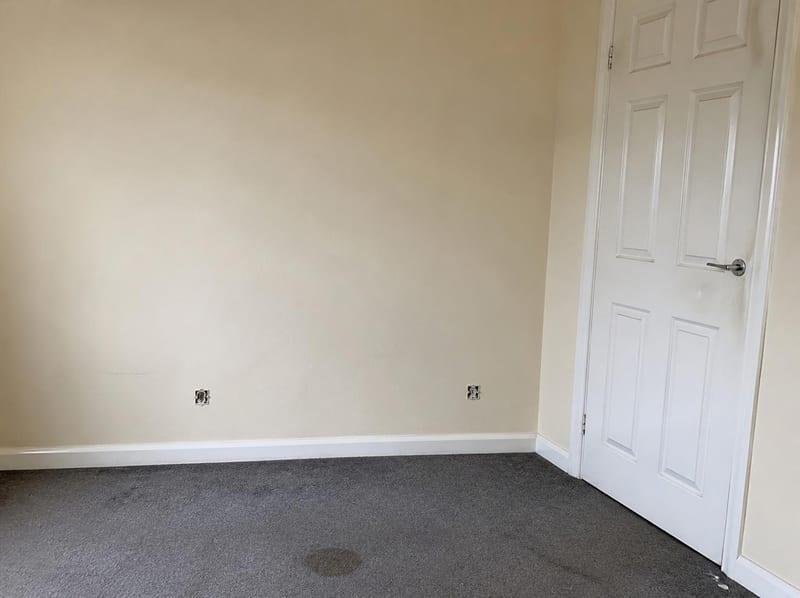
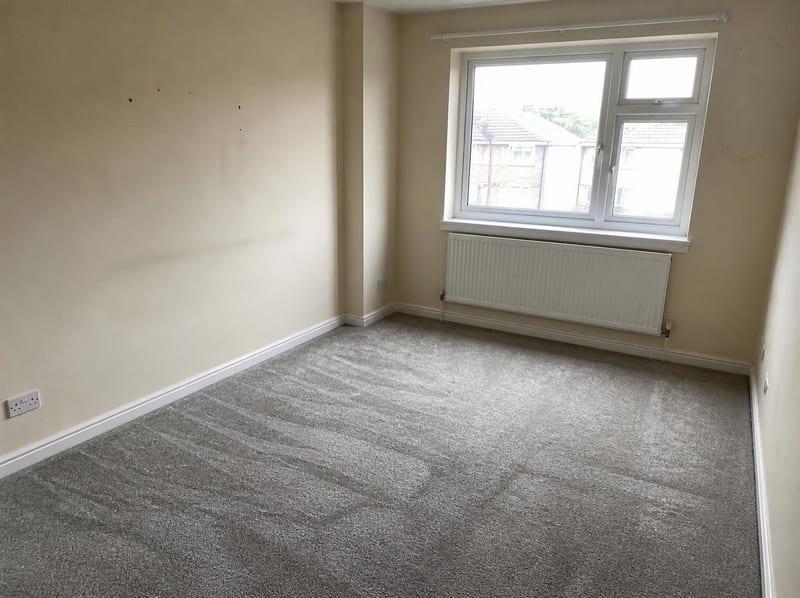
- 12 to 15 OctWork. 9 tasks, 24 photos.
- Fri 16 OctAgent inspects. 2 snags.
- Mon 19 OctSnags verified. Handover signed. Invoice sent.
- Fri 30 OctPaid by bank transfer.
One customer, every address they manage
The lettings agent is the customer and each flat is a site. A site holds its own contact, phone number, access notes and parking notes. Jobs, quotes and invoices pick the site from the agent's list.
The agent accepts the quote online
The void is priced from the price book and sent as a link. The agent accepts it and confirms their name. The name and the date are recorded against the quote.
Every void follows the same task list
The firm's void template is loaded onto the job. Each task holds its own notes and photos and records who completed it and when. Assigned jobs keep working on the phone without a signal.
The agent's inspection list, raised as snags
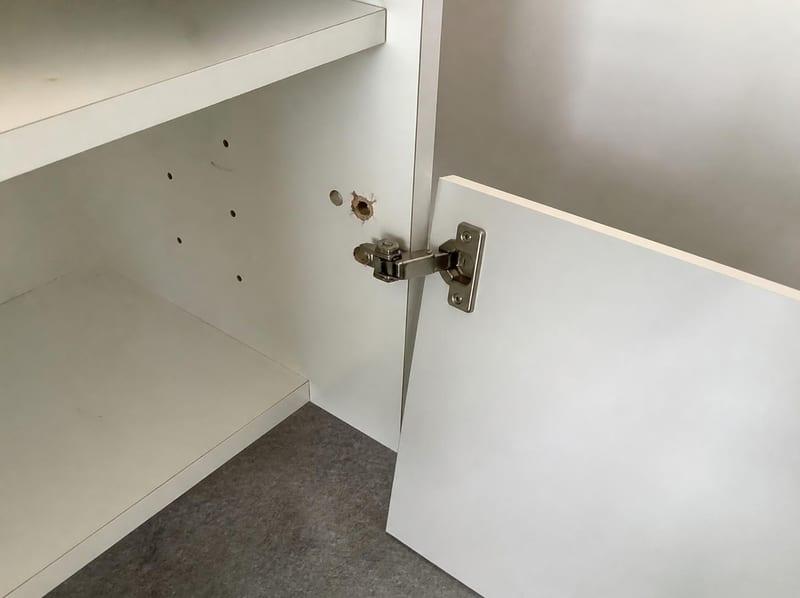
Each point from the agent's inspection is added to the job as a snag, with a photo and the person it is assigned to. A snag is marked fixed, then verified.
The agent checks the work from the invoice
The invoice is sent with “Include photo evidence” ticked. The agent opens it, follows the link to the work evidence, and reads the void task by task without visiting the flat.
The invoice for £2,232.00 links to the work evidence: 24 photos.
The order number typed on the invoice, WO-4471, is printed on the record, and the record downloads as a PDF.
Each task shows who completed it and when.
A note written on site is printed with its task.
Each photo sits under its task with the date it was taken.
All ten tasks are listed in order, down to the handover on 19 Oct 2026.

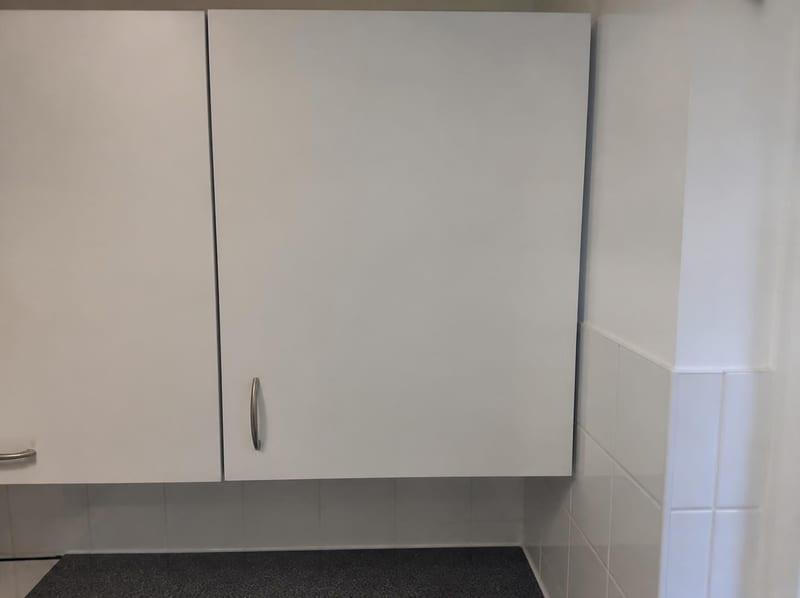
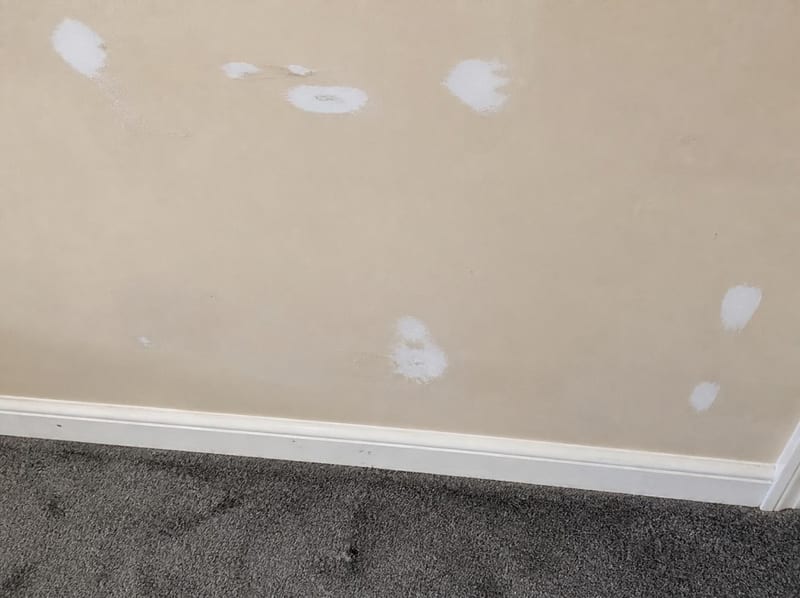
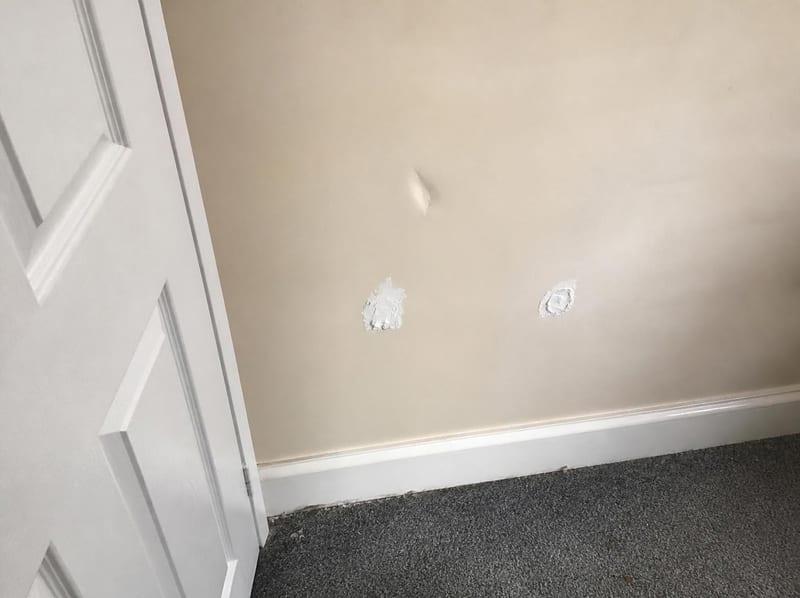
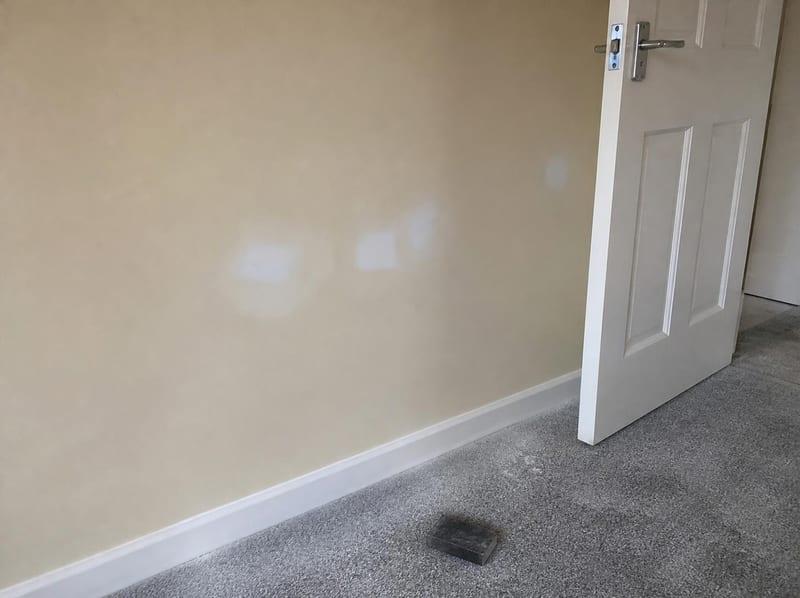






Costs, profit and margin for the void
The bank transfer is recorded against the invoice when it arrives. The job then shows its revenue, costs and profit, the margin, and what has been paid. Invoices and payments go to Xero or QuickBooks.
Every job for the agent on one record
The agent's record lists every job the firm has done for them, at every address, with its status and its figures.
Also used on this job
The access visit
Booked as an appointment with an arrival window. The agent gets an email when it is booked and reminders 48 and 24 hours before.
The works order number
WO-4471 goes in the job's Reference field, so the job can be found by it. Typed into the invoice's Reference as well, it is printed on the work evidence and sent to Xero.
Assigned jobs only
A person whose access is set to View assigned sees just the jobs they are assigned to, and gets a notification when one is assigned.
The job report
A PDF of the job's tasks, notes, photos and snags, from the job's Files tab.
Card payment
With Stripe connected, the online invoice has a Pay now button. A bank transfer is recorded against the invoice by hand.
Try Jobivo free for 14 days.
No card required. Set up in minutes.
Maintenance software built around your sites
Property maintenance is portfolio work: the same agents and landlords, many buildings, repeat visits. Jobivo keeps every customer's sites separate, each with its own contact, access notes and parking notes, so a works order is logged against the right flat and not a vague address line. The customer's record lists every job done for them, with what is quoted, invoiced and paid on each. Bigger refurbishments can group several jobs under one project.
On site, every job runs as a job sheet from your template, and each task holds its own photos. Each task records who completed it and when, and each photo keeps the date it was taken: the proof of work property managers expect before an invoice is approved.
From works order to paid invoice in one system
Price the void from your own price book with the margin visible, send the quote for online acceptance, schedule the team, and send the invoice with its photo evidence. The agent can pay by card from the invoice or by bank transfer, and invoices and payments sync to Xero or QuickBooks. Jobivo is priced per company: Essentials is £29.99 a month, Business is £59.99 and Pro is £99.99. Every plan has unlimited users and unlimited jobs. Essentials covers sites, job sheets, photo evidence, quotes, invoices and card payments. Business adds the price book and Xero or QuickBooks, and Pro adds projects and job costing with margin and profit.
Common questions
Can one customer have many sites?
Yes. A lettings agency or block manager is one customer, and every building and unit is a site under it with its own contact, access notes and parking notes. Jobs, quotes and invoices pick the site from the customer's list.
How do I share photo evidence with the property manager?
Tick Include photo evidence when you send the invoice. The property manager opens the invoice online and follows the link to the work evidence: each task with who completed it, when, and its photos with the date taken. It also downloads as a PDF.
Can I group a void's jobs together?
Yes. A void can be one job with its tasks in groups (clear, repairs, decorate, clean), on every plan. On Pro, a project can hold several jobs when different trades each need their own job sheet, and the project's progress and profit roll up across its jobs.
What does it cost for a small maintenance team?
The price is per company, not per person, and adding people never changes what you pay. Essentials at £29.99 a month covers customers with any number of sites, job sheets, photo evidence for agents, quotes, invoices and card payments. Business at £59.99 a month adds the price book and Xero or QuickBooks, and Pro at £99.99 a month adds projects and job costing with margin and profit. Jobs and sites are unlimited on every plan. The 14-day free trial covers jobs and drafts for your whole company without a card. Customer outputs require a confirmed subscription.
Last updated