Job management software for roofers
One re-roof from the quote to the final invoice: the week on the scaffold, the rot found under the tiles and the photo record the customer receives.
Photograph each layer before the next one covers it
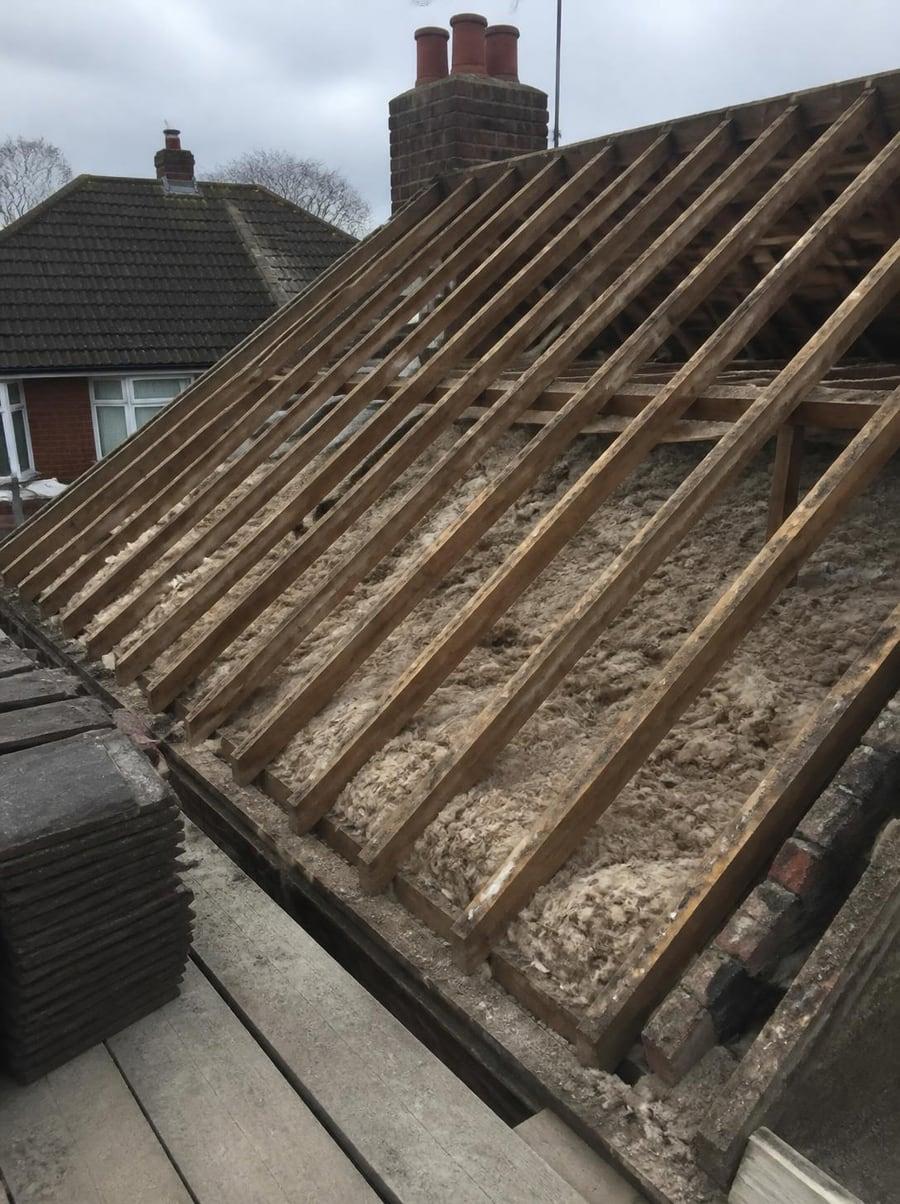
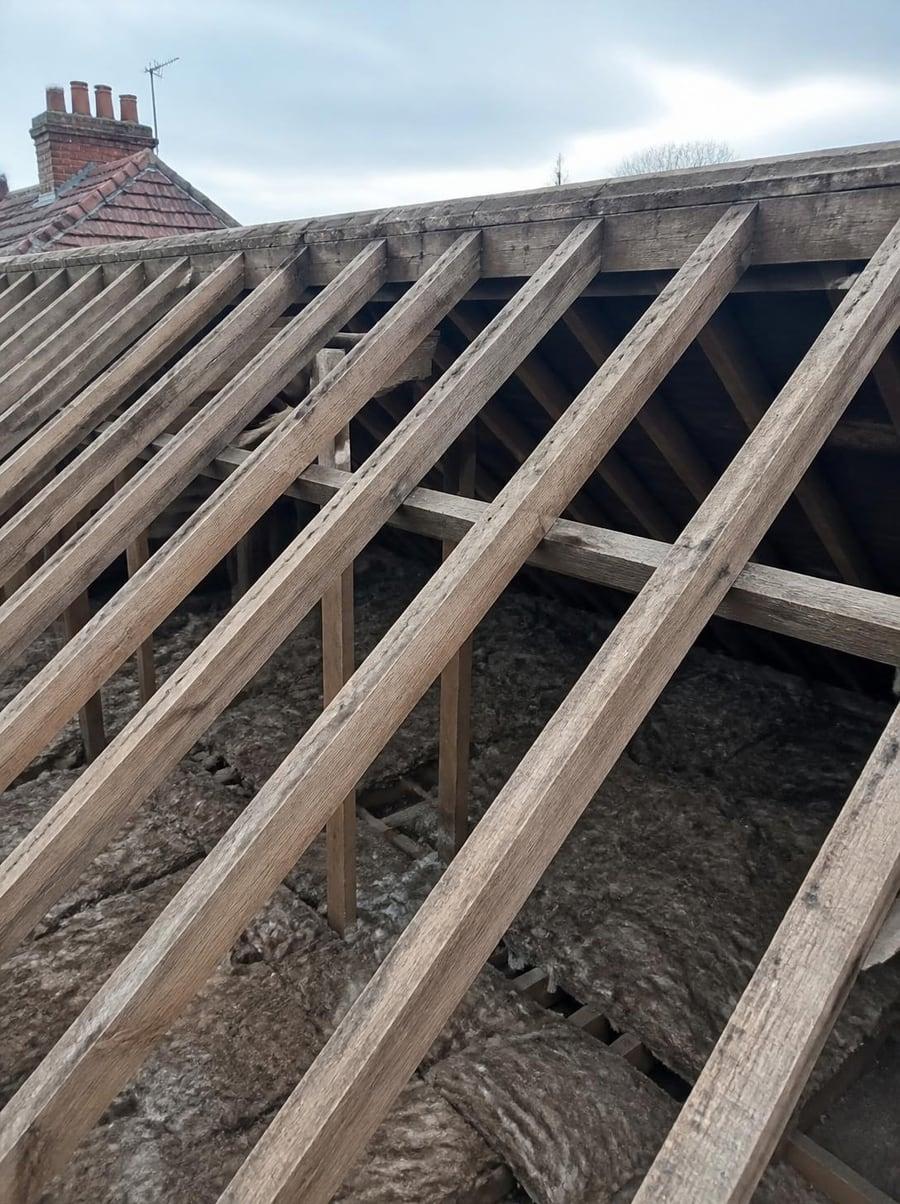
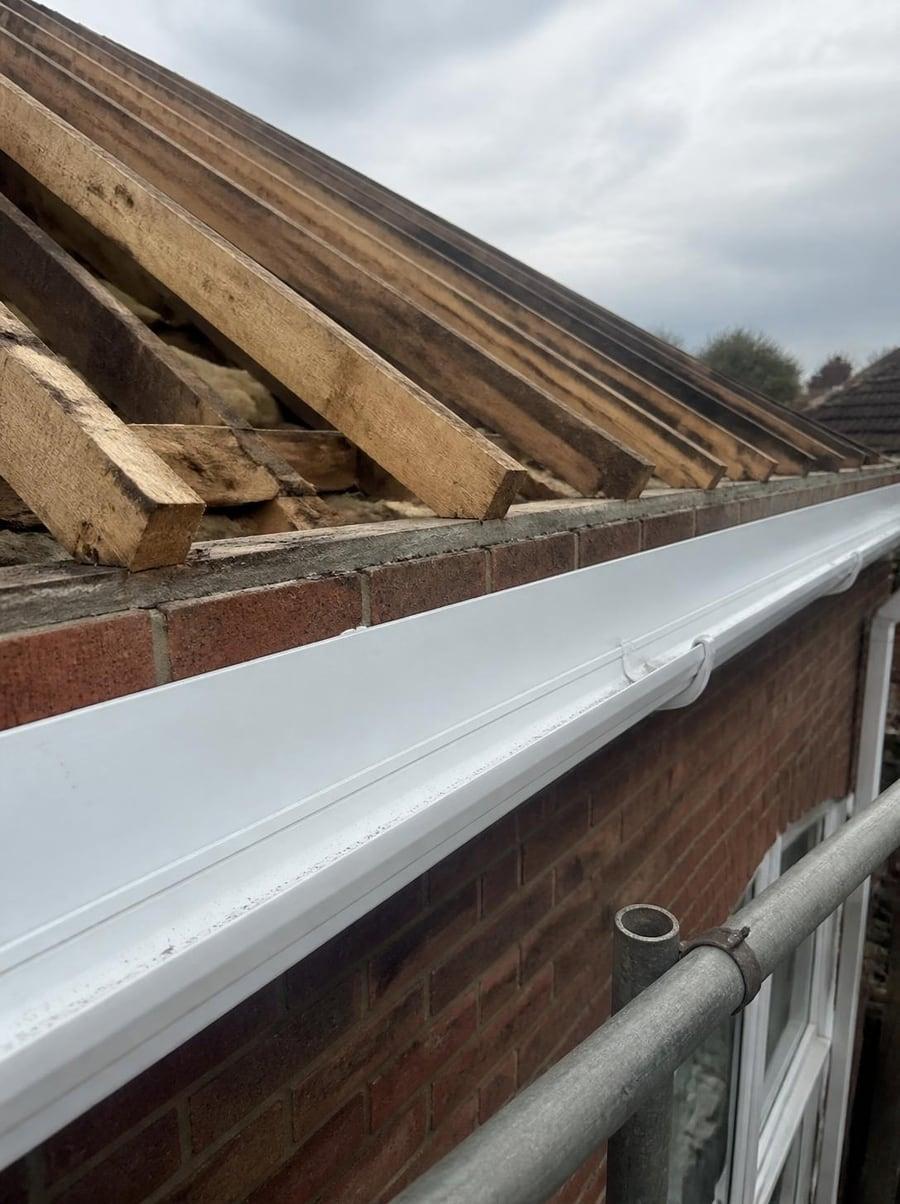
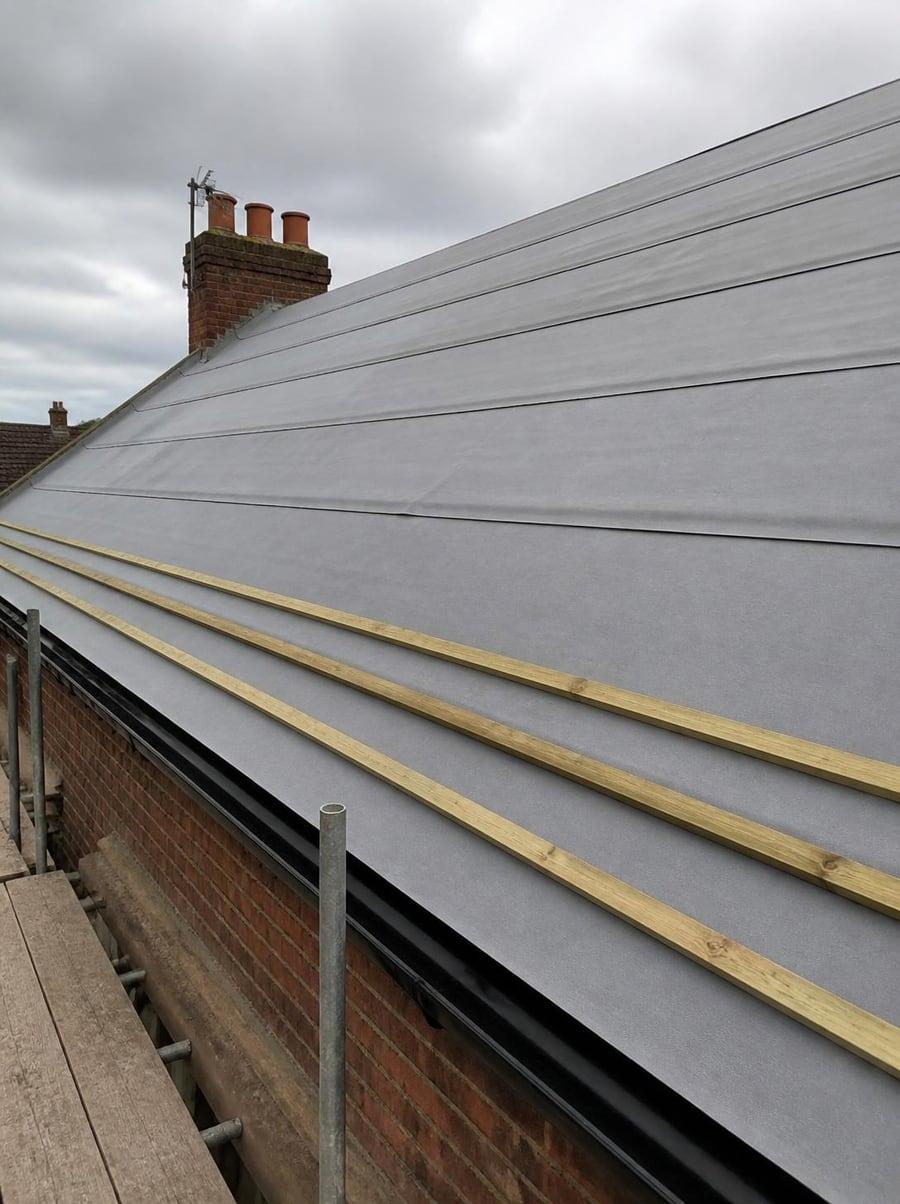
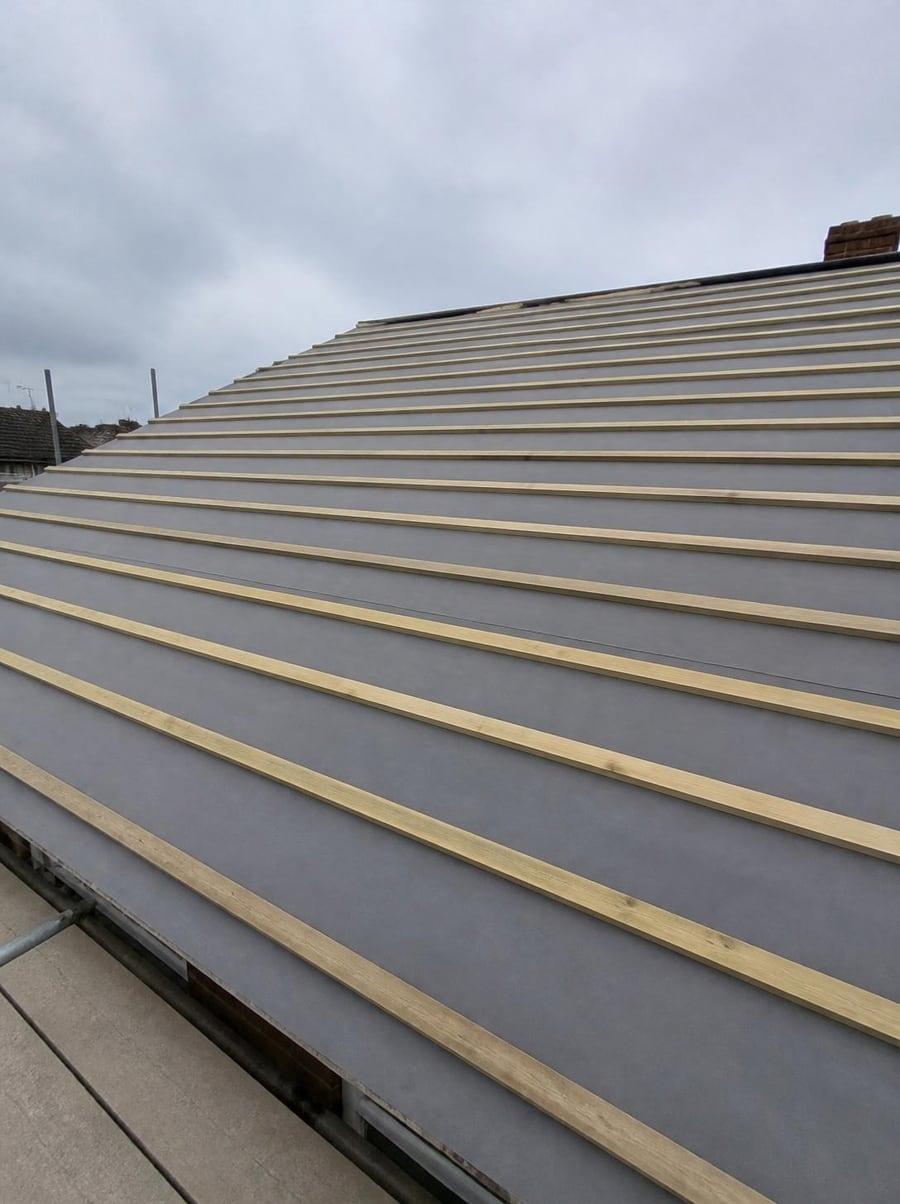
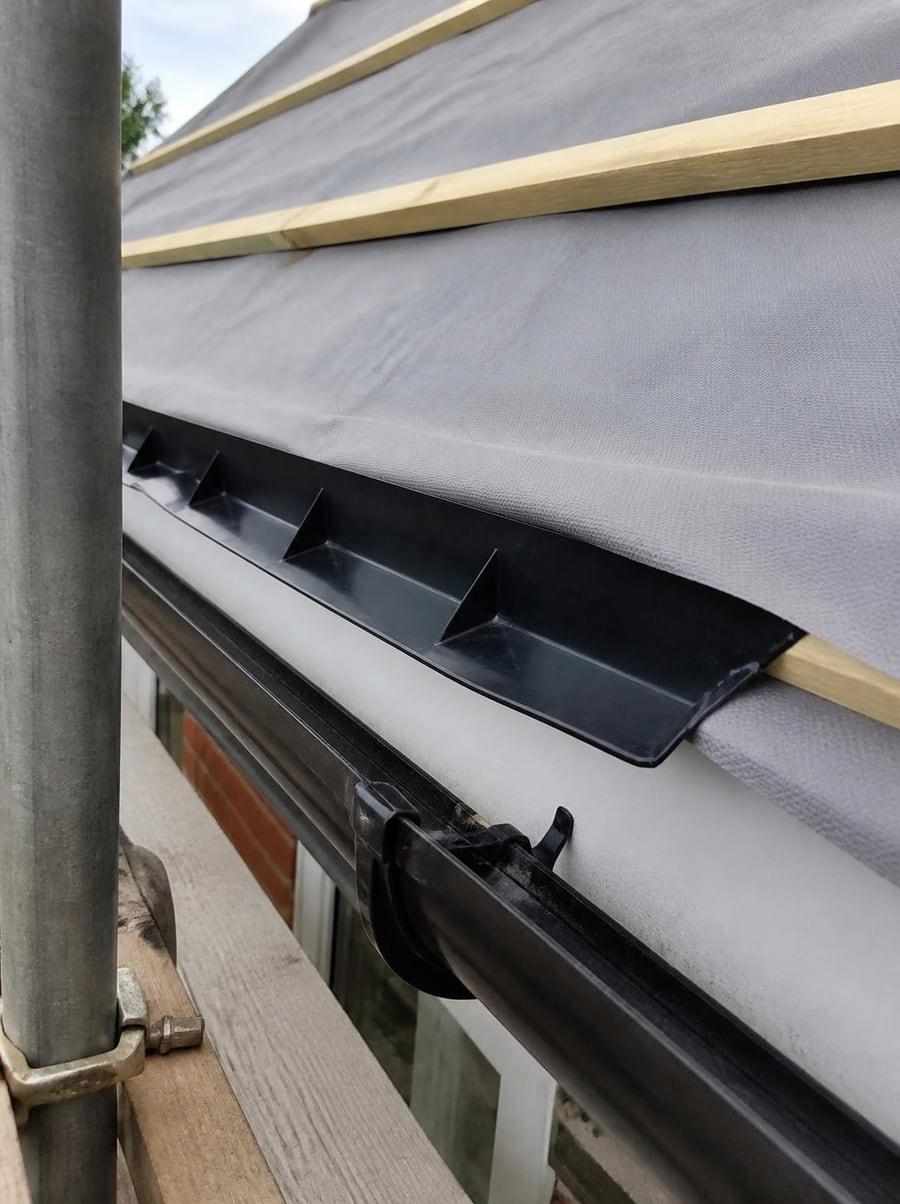
The job sheet lists the work in the order it is done, so each layer has its own task to be photographed on. The rafters, the membrane and the battens stay on record after the tiles hide them.
Job sheet groups
- Set up 4
- Strip 9
- Felt and batten 7
- Tile 8
- Hand over 3
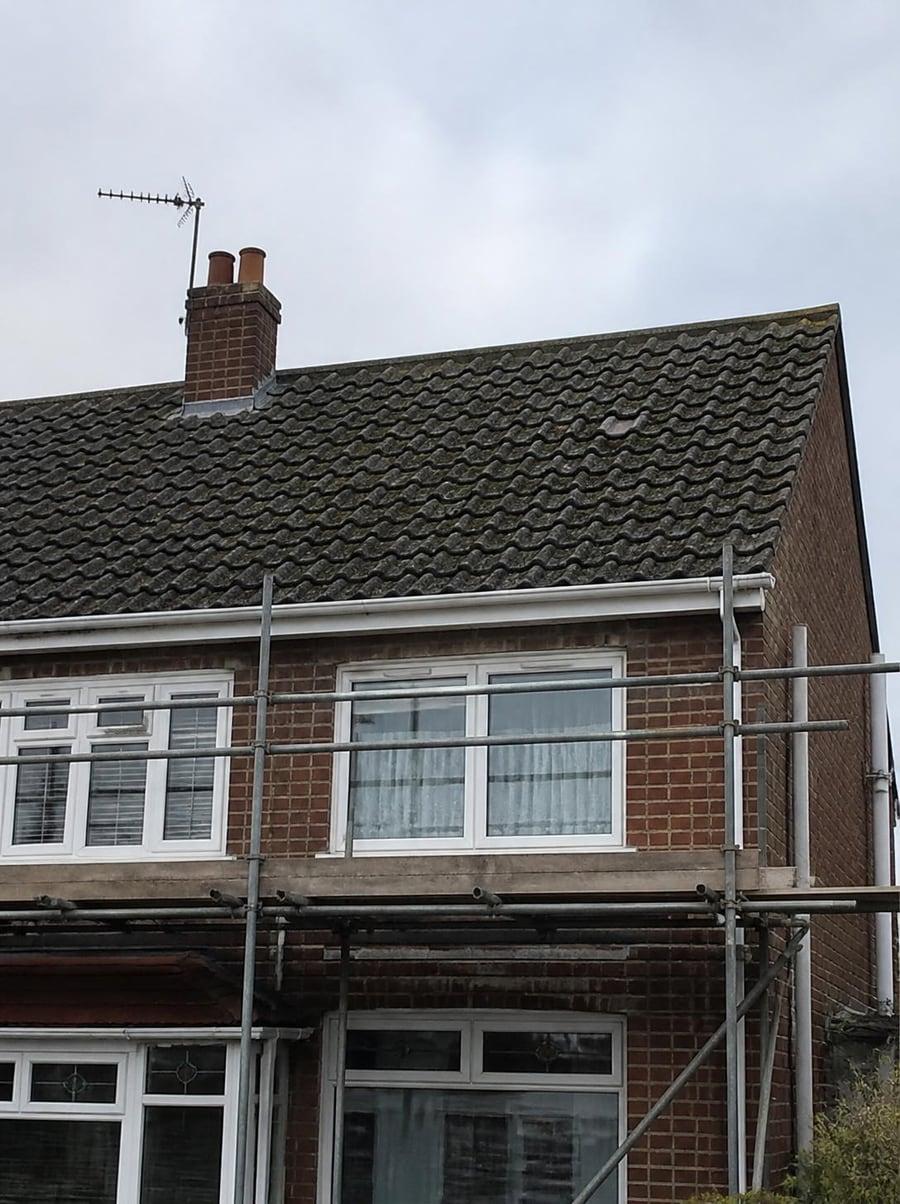
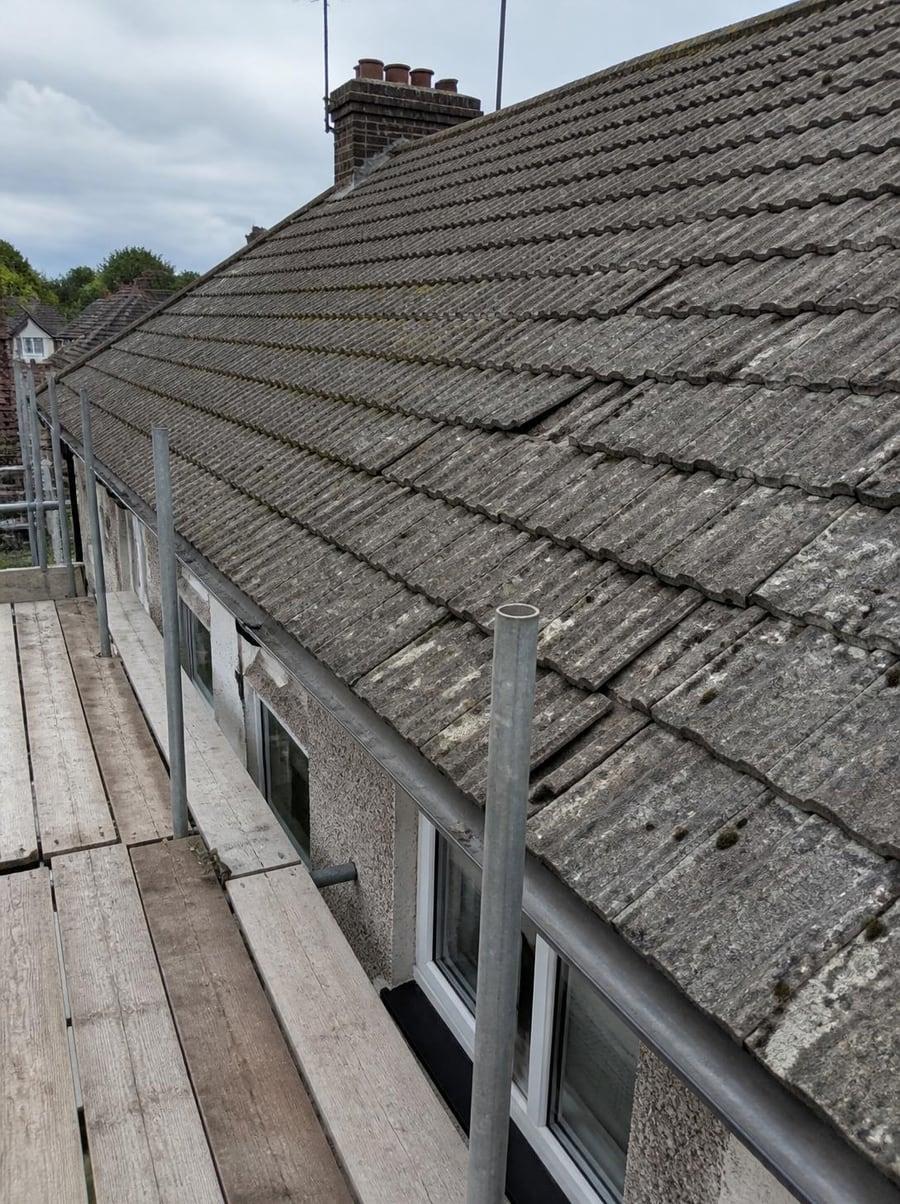
The old roof: concrete tiles on thin battens and sagging felt. Photographed before anything is touched.
Price the roof and send the quote
Scaffold, tiles, membrane, battens, lead and labour are lines on the job’s cost plan, each with a markup, so the margin is known before anything is sent. Generate quote turns the plan into a quote, and the customer accepts it online.
The survey is booked as an appointment, and the customer gets an email with a link to confirm it.
Move the job when the weather stops work
The re-roof sits across the week on the schedule, beside the flat roof, the leak repair and the surveys. When wind stops work on Wednesday, drag the end of the job to Friday. The job keeps its planned dates beside the actual ones.
Planned 14 Sep – 17 Sep 2026
Actual Started 14 Sep 2026
Photograph what is found under the tiles
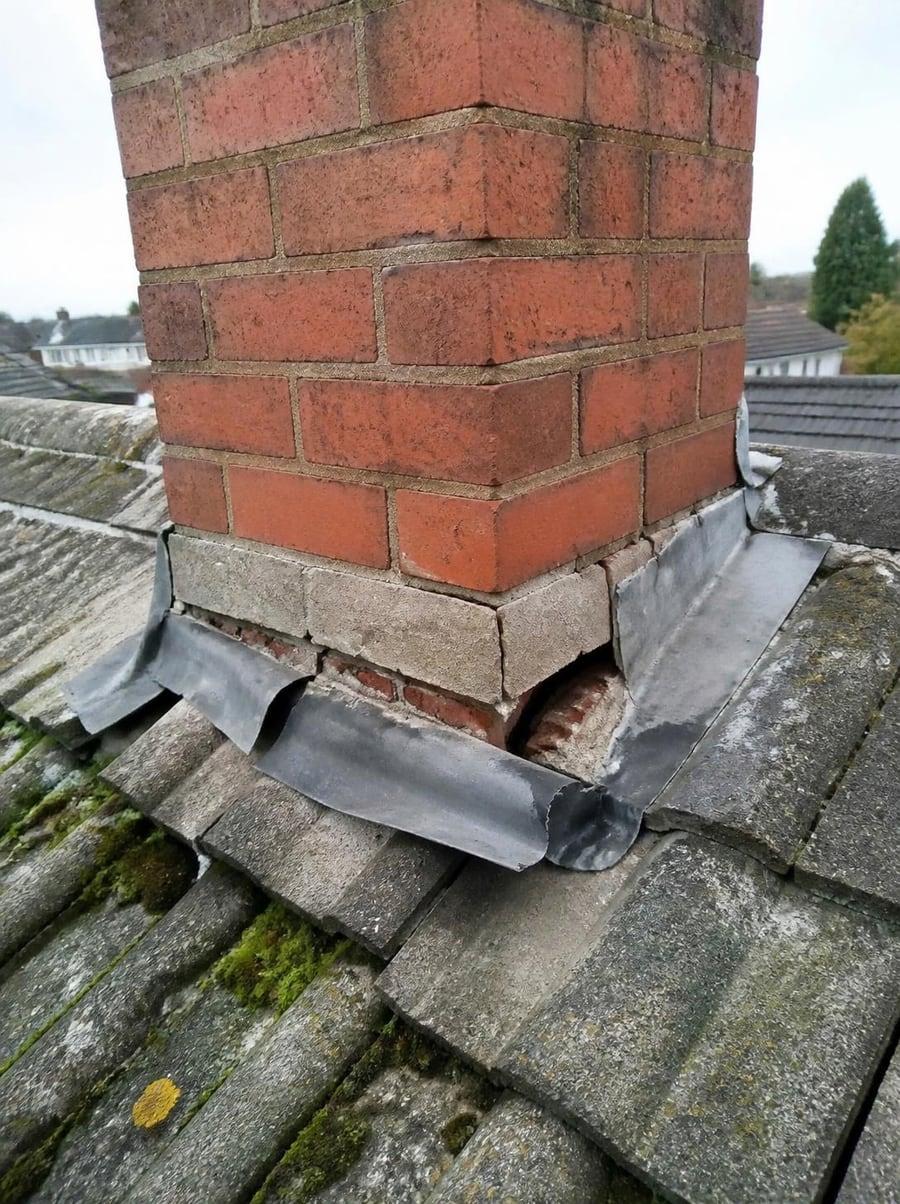
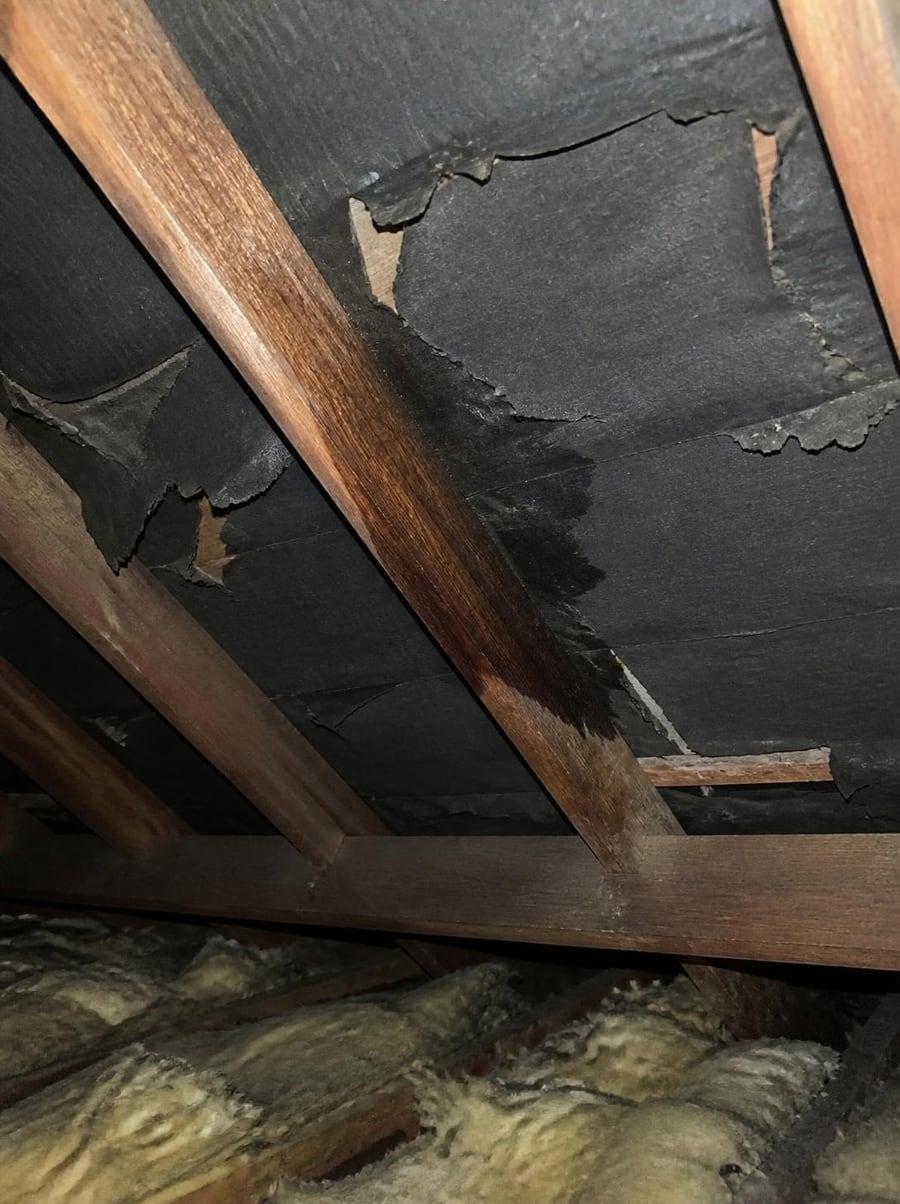
On the strip task the roofer takes the photos, rings the rot with the red pen and saves them to the task. Each photo is stamped with the time it was taken.
The job sheet and the camera work with no signal on the scaffold and sync afterwards.
 10:24 · 15 Sep
 10:38 · 15 Sep
 10:41 · 15 Sep
 10:43 · 15 Sep
 14:05 · 15 Sep
 14:20 · 15 Sep
Price the extra as a variation before doing it
From the accepted quote, Create variation raises a second quote linked to the first. The customer opens it, sees which quote it varies, and accepts it online. The job’s value rises by that amount, and the variation is invoiced when the work is done.
Give the customer a record of the roof
The job report lists each task, who completed it and when, with its photos. Download it as a PDF for the customer, their insurer or the next buyer of the house.
The last task on this job sheet is a signature, signed by the customer on the roofer’s phone.
Invoice the quote and the variation
Each accepted quote converts to its own invoice. Send it with the job’s photo evidence and a Pay now link, or record a bank transfer by hand. The job shows what is paid, what is unpaid and what is left to invoice.
Invoices and payments sync to Xero or QuickBooks.
Also on a roofing job
Raise a purchase order to the merchant from the lines on the cost plan.
Job costingRecord the skip and the scaffolder’s invoice as expenses on the job, and see the actual cost beside the plan.
FinancialsPublic liability and waste carrier documents are attached to quotes and invoices until they expire.
QuotesRaise a snag with a photo at the final inspection, assign it and mark it fixed.
Site managementA flat roof or a leak repair runs on the same job sheet, from its own template.
Job sheetsEach roofer sees the jobs assigned to them as an agenda on their phone.
Mobile appTry Jobivo free for 14 days.
No card required. Set up in minutes.
Job management software built around roofing work
The customer cannot get on the scaffold, and the insurer was not there when the rotten rafter feet were found. Jobivo runs every roof as a job sheet in the order the work is done: set up, strip, felt and batten, tile, hand over. Photos are taken on the task, stamped with the time and filed under it, so the record of each layer exists before the next one covers it.
Price the roof on a cost plan with the margin visible, and send a quote the customer accepts online. When rot turns up under the tiles, price it as a variation the customer accepts before the work is done. Each accepted quote becomes an invoice with a pay-now link, synced to Xero or QuickBooks.
For sole traders and small roofing firms
Jobivo is priced per company: Essentials is £29.99 a month, Business is £59.99 and Pro is £99.99. Every plan has unlimited users and unlimited jobs. Essentials covers the job sheets and photos, quotes and variations accepted online, invoices and card payments. Business adds purchase orders, expenses and Xero or QuickBooks, and Pro adds job costing with the margin on each job. The Android and iOS apps are offline-first, so the job sheet and camera work on the scaffold with no signal and sync when you are back in coverage.
Common questions
What if we find rot once the tiles are off?
Photograph it on the task, then raise a variation from the accepted quote. The customer gets a link, sees which quote it varies and accepts online. The job's value rises by that amount and the variation is invoiced when the work is done.
Can I send the photos with the invoice?
Yes. Photos are filed to the task they were taken on, and an invoice can be sent with the job's photo evidence: the survey shots, the strip, the membrane and battens, and the finished roof.
What happens when weather moves the job?
Drag the job to its new days on the schedule. The job sheet carries on where it stopped, and the job keeps its planned dates beside the actual ones.
Can I take a deposit and invoice in stages?
An accepted quote converts to one invoice. You can record a deposit against it as a part payment, or raise a separate invoice on the job for a deposit or a stage. Each invoice carries a pay-now link, and on Business and Pro it syncs to Xero or QuickBooks.
Does it work on the scaffold with no signal?
Yes. The Android and iOS apps are offline-first. Tasks and photos captured with no signal sync automatically when you're back in coverage.
Last updated