UK certificates
56 certificate forms for gas, electrical, oil, solid fuel, water, fire alarm, renewables and F-Gas work. Each is filled in from the job, on the phone or in the web app, and issued as a signed PDF.
These certificate forms are for UK organisations only. Versions for other countries are not currently available.
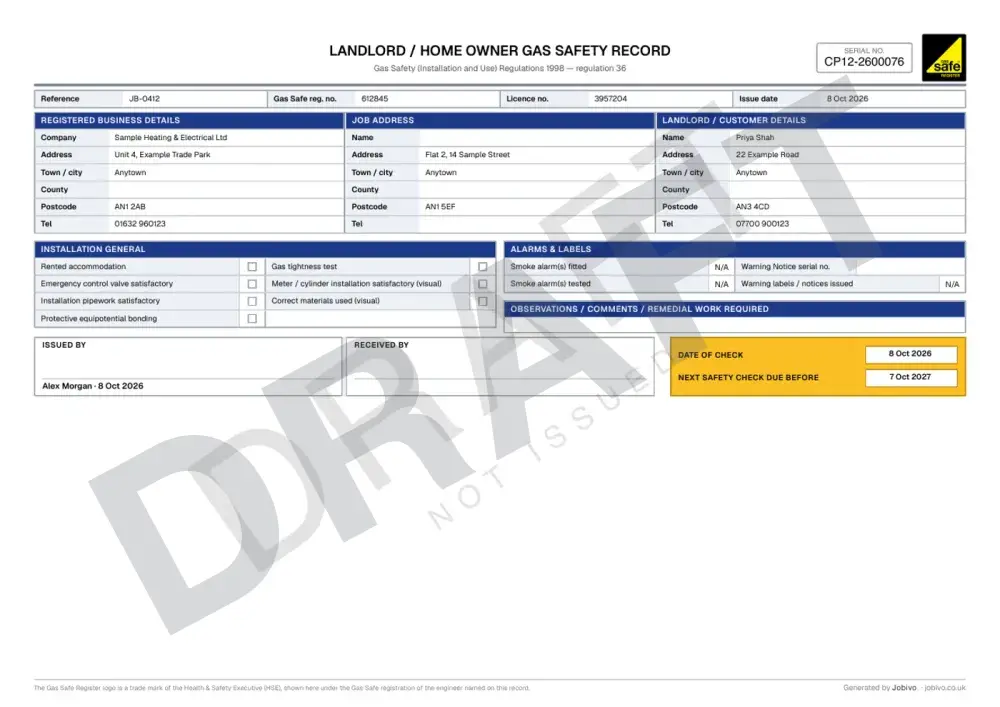
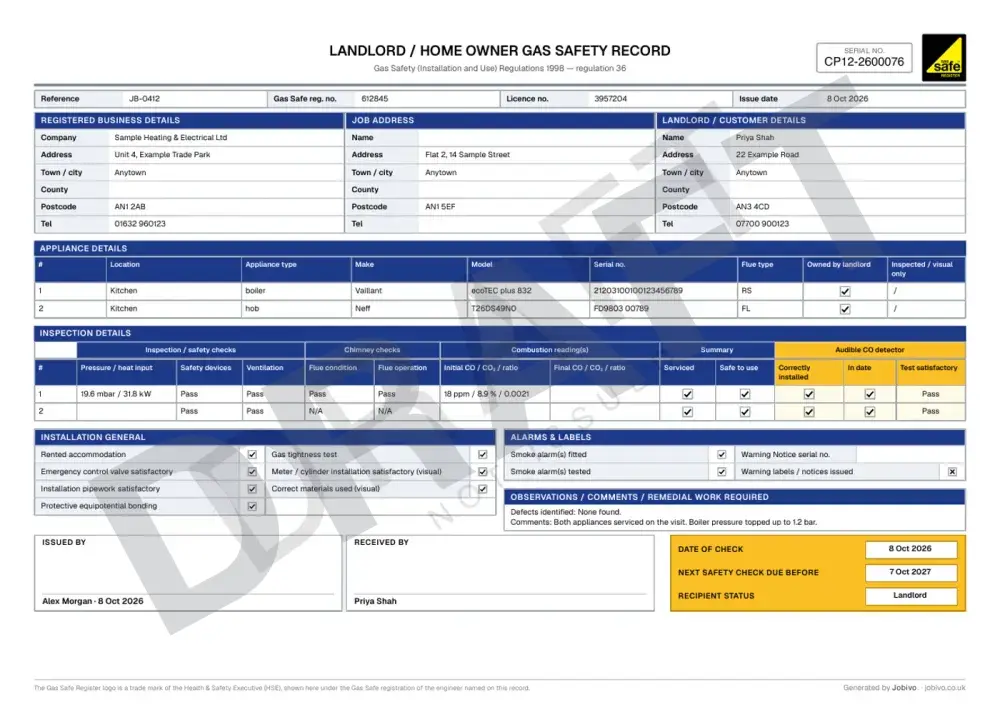
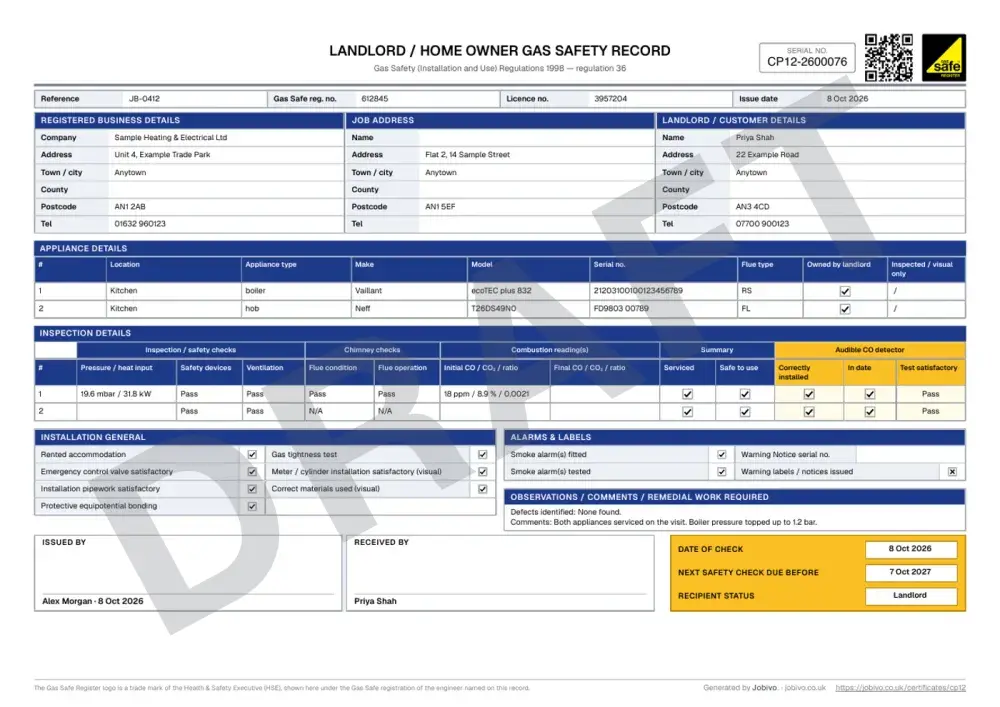
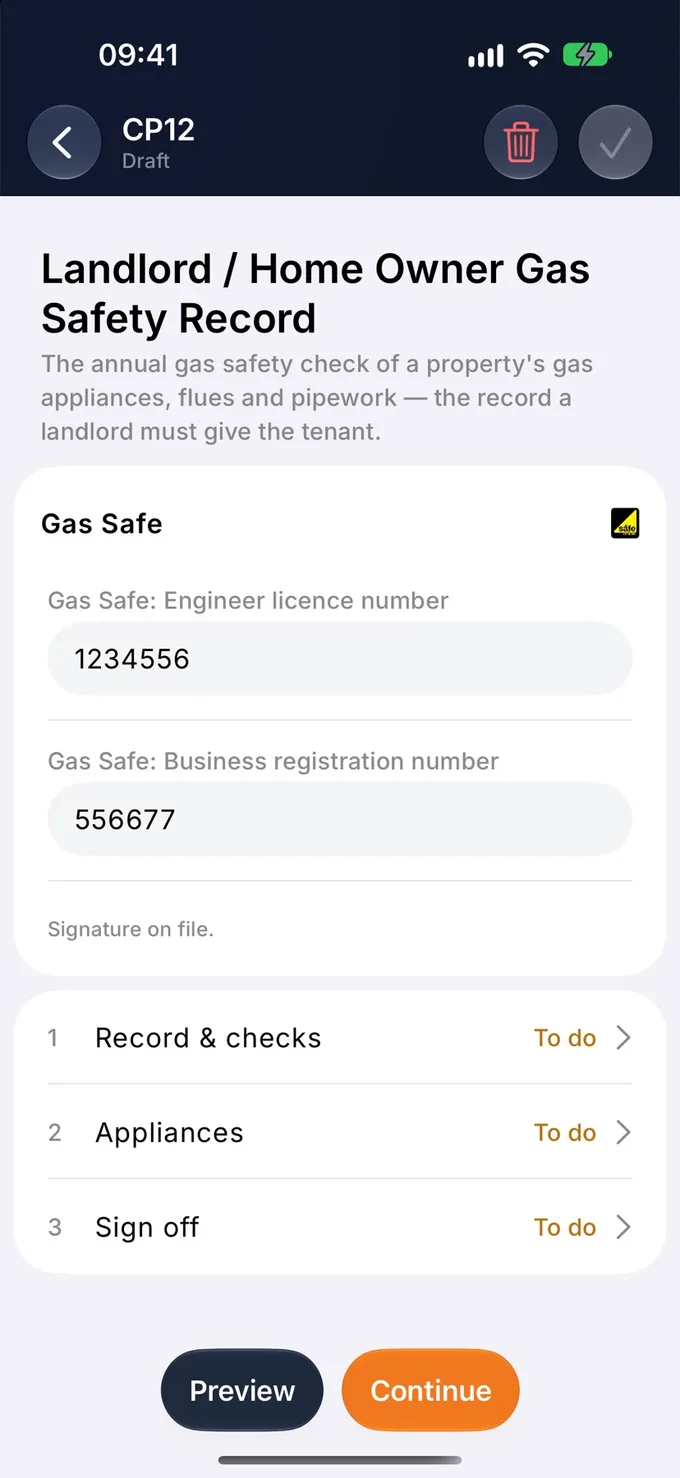
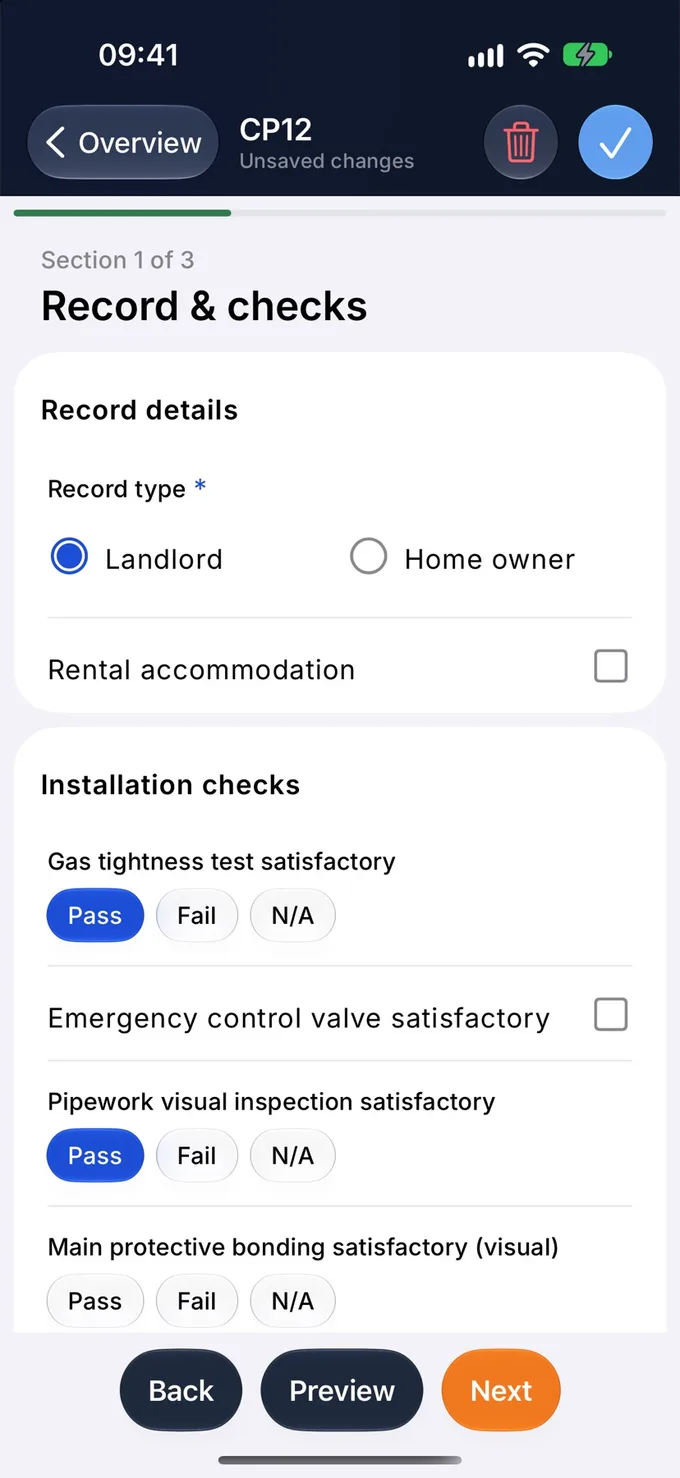
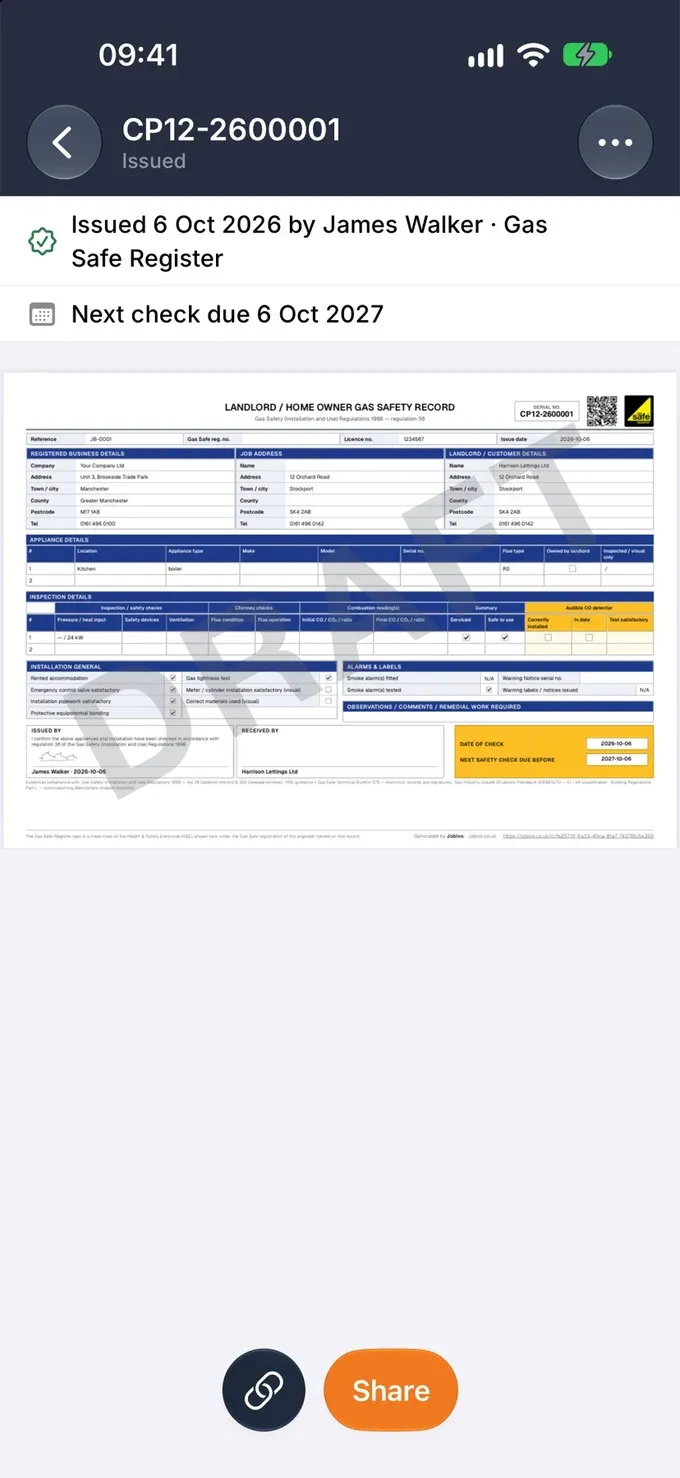
From draft to issued certificate
A landlord gas safety certificate, from the job to the signed PDF.
Certificates by trade
A company sees the forms for the industry sectors picked in its settings.
Four certificates in detail
Each has its own page with a sample, the rules and what is on the form.
What an issued certificate carries
A signed PDF
Digitally signed when issued. Changing the file breaks the signature.
A QR code and an online copy
The QR code on the certificate opens its online copy. No account is needed to read it.
Serial number
The form's code, the year and your company's running number. It is fixed when the certificate is issued.
Your details and scheme mark
Your company details and logo are printed on the certificate. The Gas Safe, OFTEC, F-Gas, NICEIC or NAPIT mark prints when that number is on file.
Sent with the invoice
Add the certificate to the job's invoice and it goes out with the invoice email as its signed PDF.
On the certificates register
Listed with its next check date. It reads Due from the day that date arrives.
Try Jobivo free for 14 days.
No card required. Set up in minutes.
Who can issue a certificate
A certificate is issued by the person who filled it in. Their signature is kept once on their profile and is needed before anything can be issued. Where a form calls for a registration, such as a Gas Safe number for a gas form, that number has to be on file too.
Jobivo produces the record. It does not replace the registration or the competence the work calls for.
On paper or on screen
For the landlord gas safety record, HSE says there is no official form, and that an electronic record is acceptable if it can be printed, is protected from tampering and identifies the engineer. Each form's own page gives the rule for that form with its official source.
There are no pads to buy. Download or print the PDF when a paper copy is needed.
Drafts, and what issuing changes
A certificate is a draft until it is issued, and a draft prints DRAFT across the sheet. Drafts can be changed or deleted. An issued certificate is locked.
A finished draft on a job that is completed is issued for the engineer who filled it in. Notices that are signed at handover are never issued this way.
Common questions
Which certificates can Jobivo issue?
56 forms: gas (domestic and commercial), electrical (including the EICR, EIC, minor works certificate, PAT testing report and emergency lighting), oil, solid fuel, the Legionella risk assessment, fire alarm, solar PV, solar heating, heat pump, battery storage and F-Gas.
Can a certificate be filled in with no signal?
Yes. A draft saves on the phone with no signal. Issuing it needs a connection.
What does the QR code do?
It opens the certificate's online copy. Anyone the certificate is shown to can read it there without an account.
Does the customer sign on the phone?
Yes, where the form has a signature for the customer or the person receiving it. They sign on the screen. Your own signature is kept on your profile.
Do I still need certificate pads?
No. Download or print the PDF when a paper copy is needed.
Last updated