Let customers pay online
Connect Stripe so customers can pay an invoice by card from the link you send them.
What online payments are
Every invoice you send has an online link. With online payments switched on, the customer can pay from that link by card, Apple Pay or Google Pay.
Payments are taken through Stripe. You connect your own Stripe account to Jobivo once, and the money is paid out to you by Stripe.
Connecting Stripe is for the company owner.
Where to start
Tap the menu button at the top left of Home and tap Settings at the bottom. Under Preferences, tap App integrations, then tap Stripe.
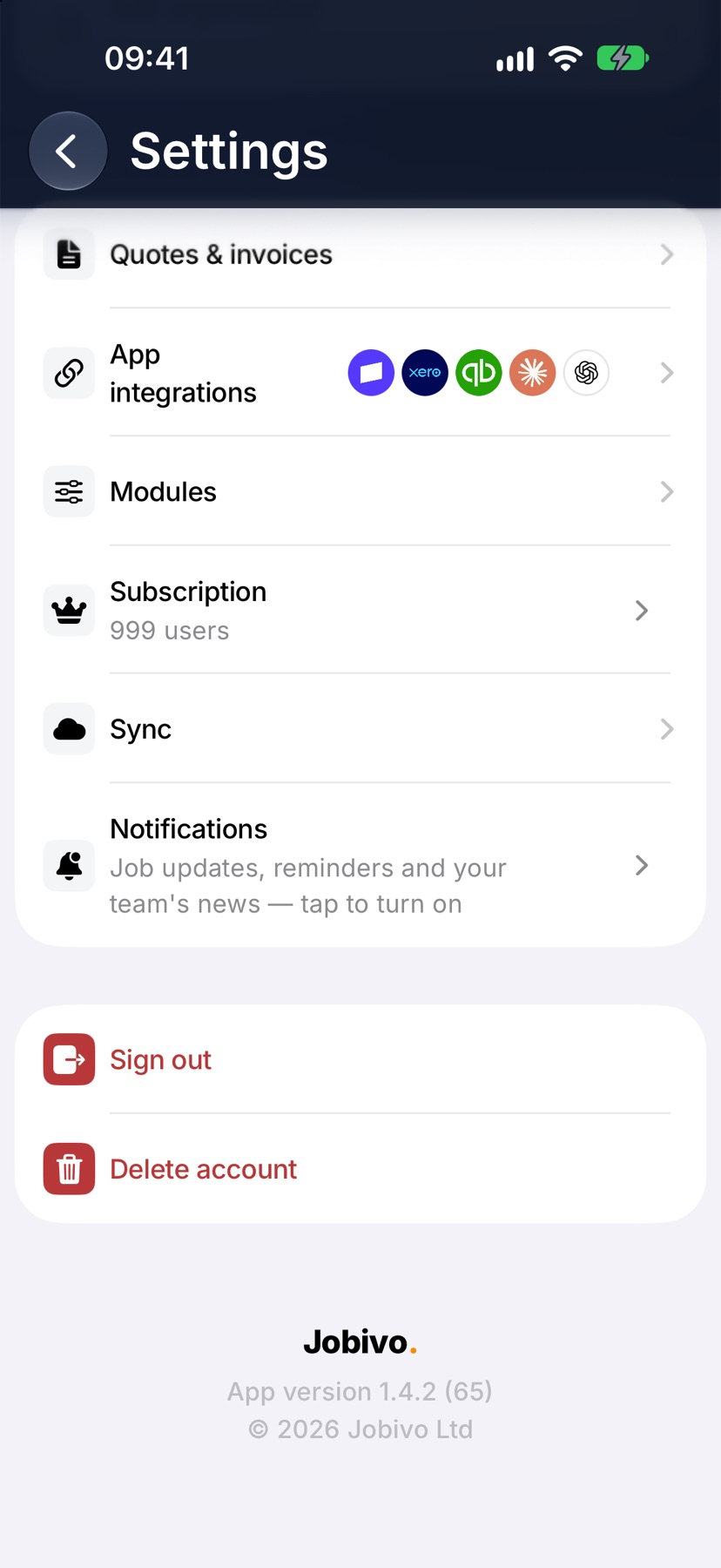
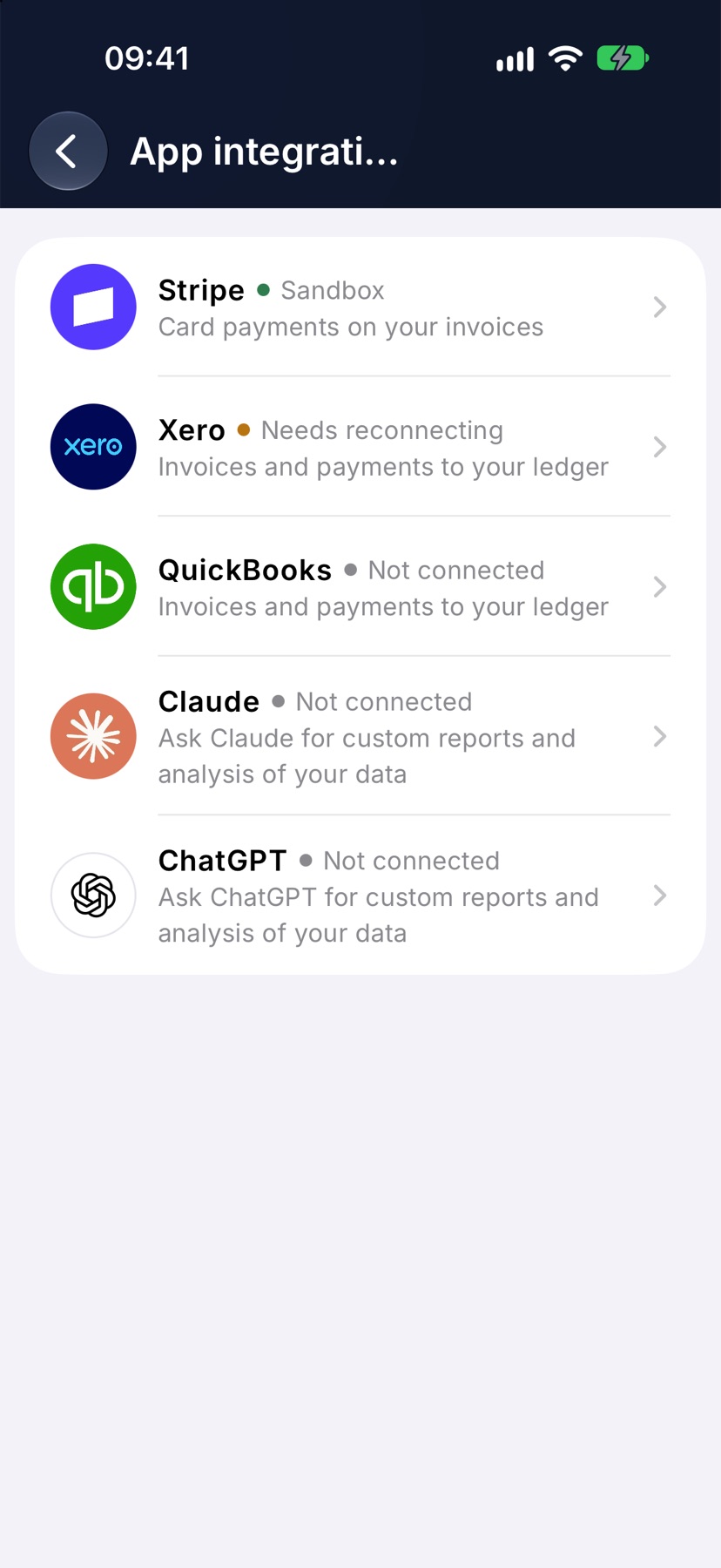
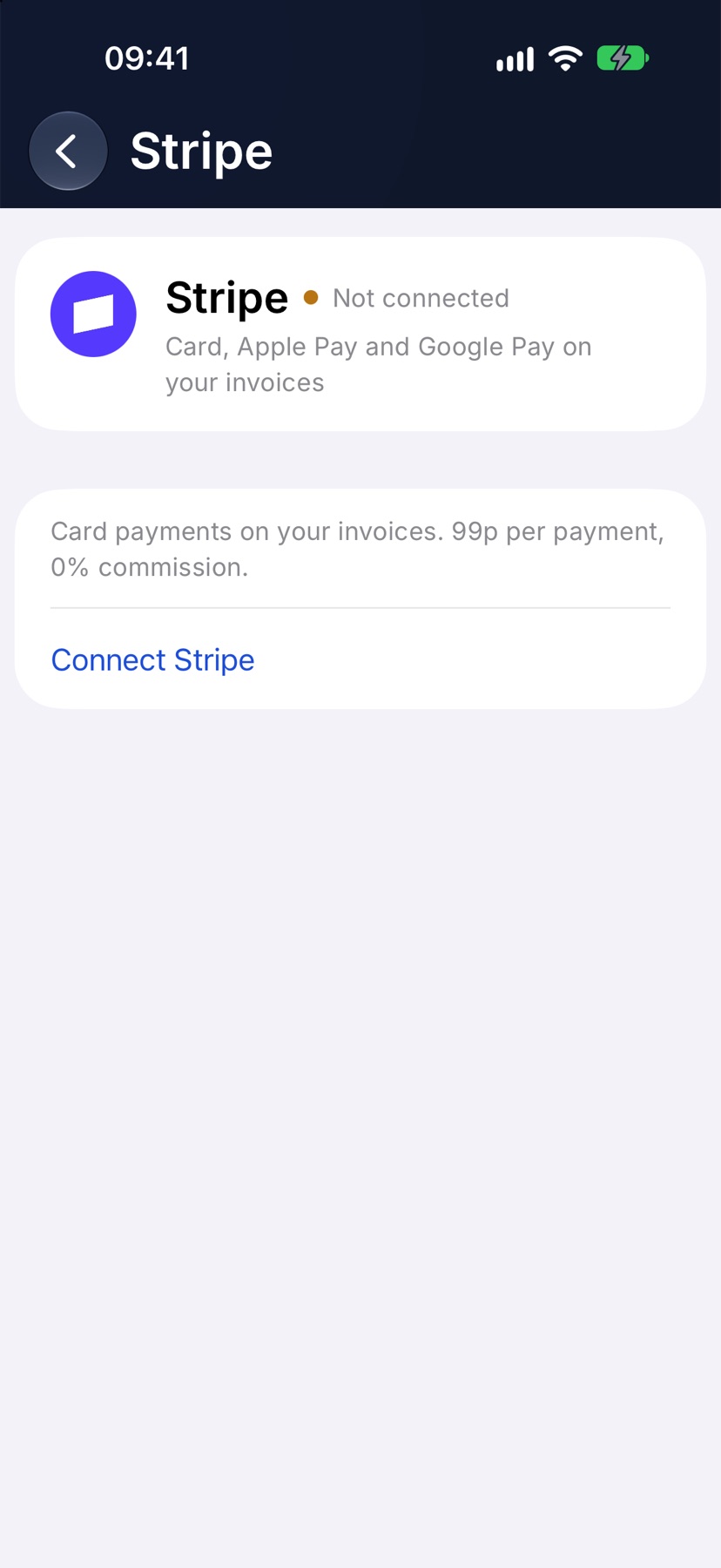
Connect Stripe
Tap Connect Stripe. Stripe's setup page opens. Sign in to Stripe or create an account, and give Stripe the details it asks for about your business and your bank account.
When you finish, you return to Jobivo and the status at the top reads Connected.
If the status reads Setup incomplete, Stripe still needs something from you. Tap Resume setup to carry on where you stopped. Under review means Stripe is checking your details, and you do not need to do anything.
Switch on online payments
Once Stripe is connected, a Payments section appears. Switch on Online payments.
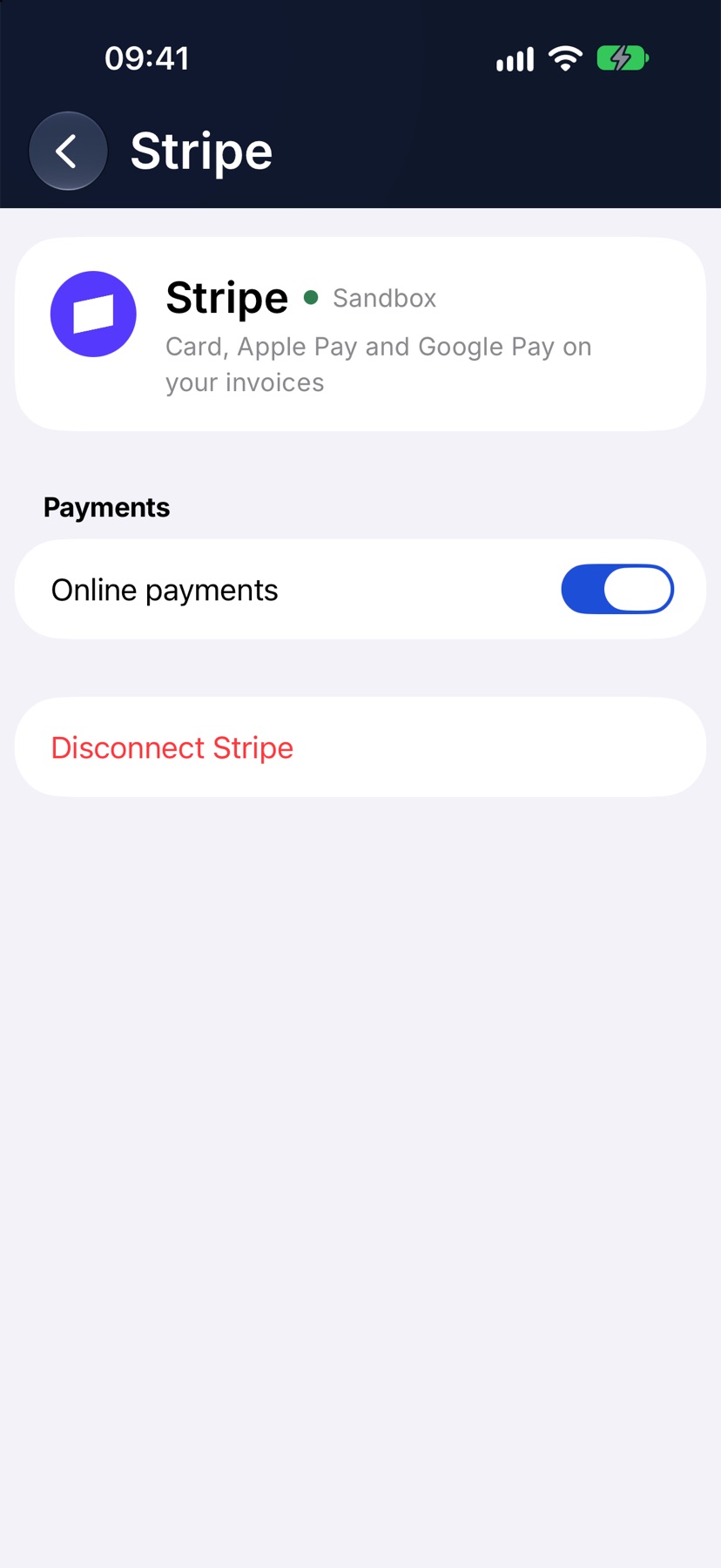
The switch cannot be changed until Stripe is ready to take payments on your account.
How the customer pays
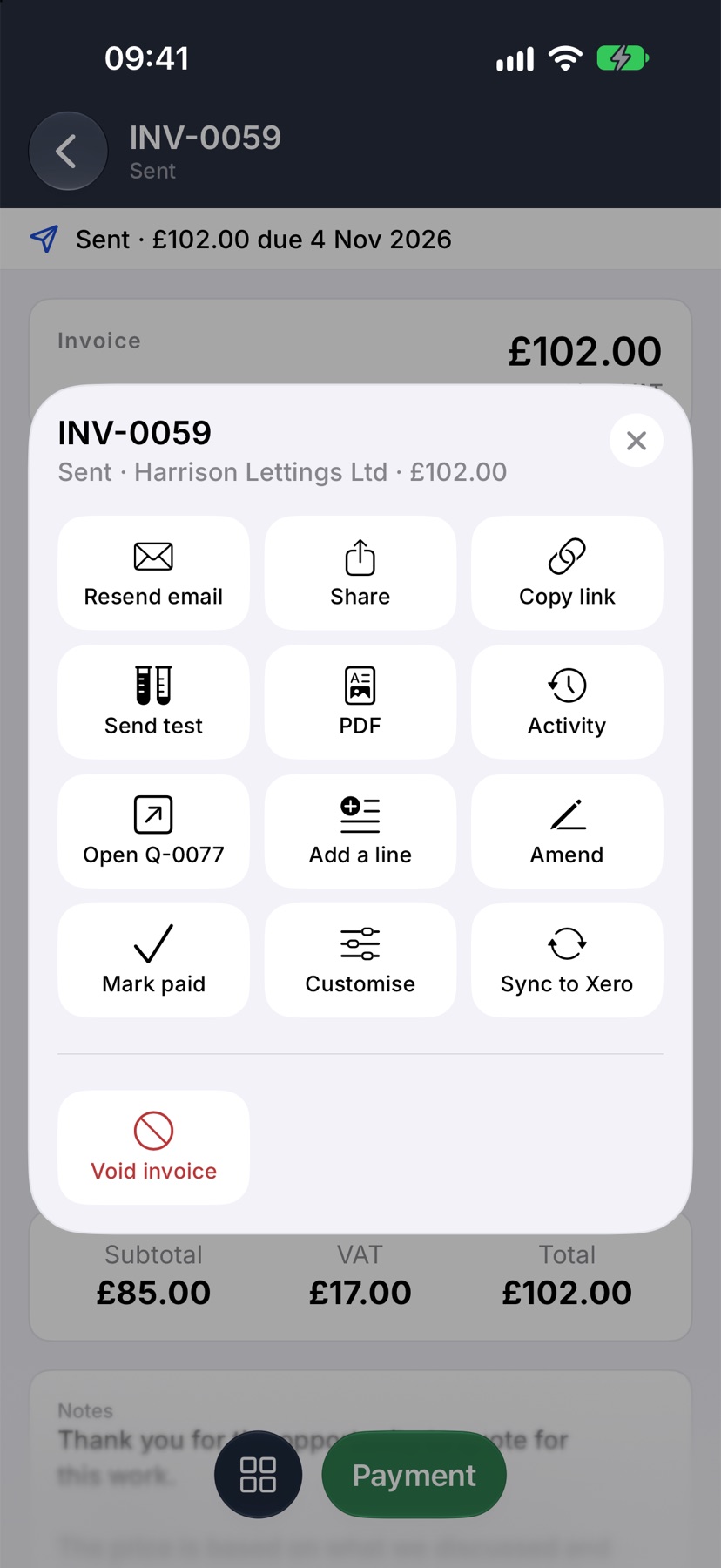
Send the invoice as normal. The customer opens the link in their email and pays there. To send the link another way, open the invoice, tap the square button at the bottom left and tap Copy link or Share.
Stop taking online payments
Switch Online payments off to stop offering it on your invoices while keeping Stripe connected. To remove the connection, tap Disconnect Stripe, then Disconnect. Your Stripe account, money and history stay where they are.
More in Getting paid →
Still stuck? Email support@jobivo.co.uk and we'll get back to you.