Templates
A job sheet template is a reusable list of tasks you attach to jobs — so every job follows the same process and captures the same photo evidence, without rebuilding it each time.
Your templates — private to your company#
Everything under Your templatesbelongs to your company alone. Edit tasks, rename, delete — no one outside your team ever sees them. Apply one to any job from the job's job sheet.
Template library — shared starters#
The Template library is a read-only set of example job sheets shared across Jobivo — a basic, a medium and a full example — there to get you started and show what a good job sheet looks like.
Preview before you commit#
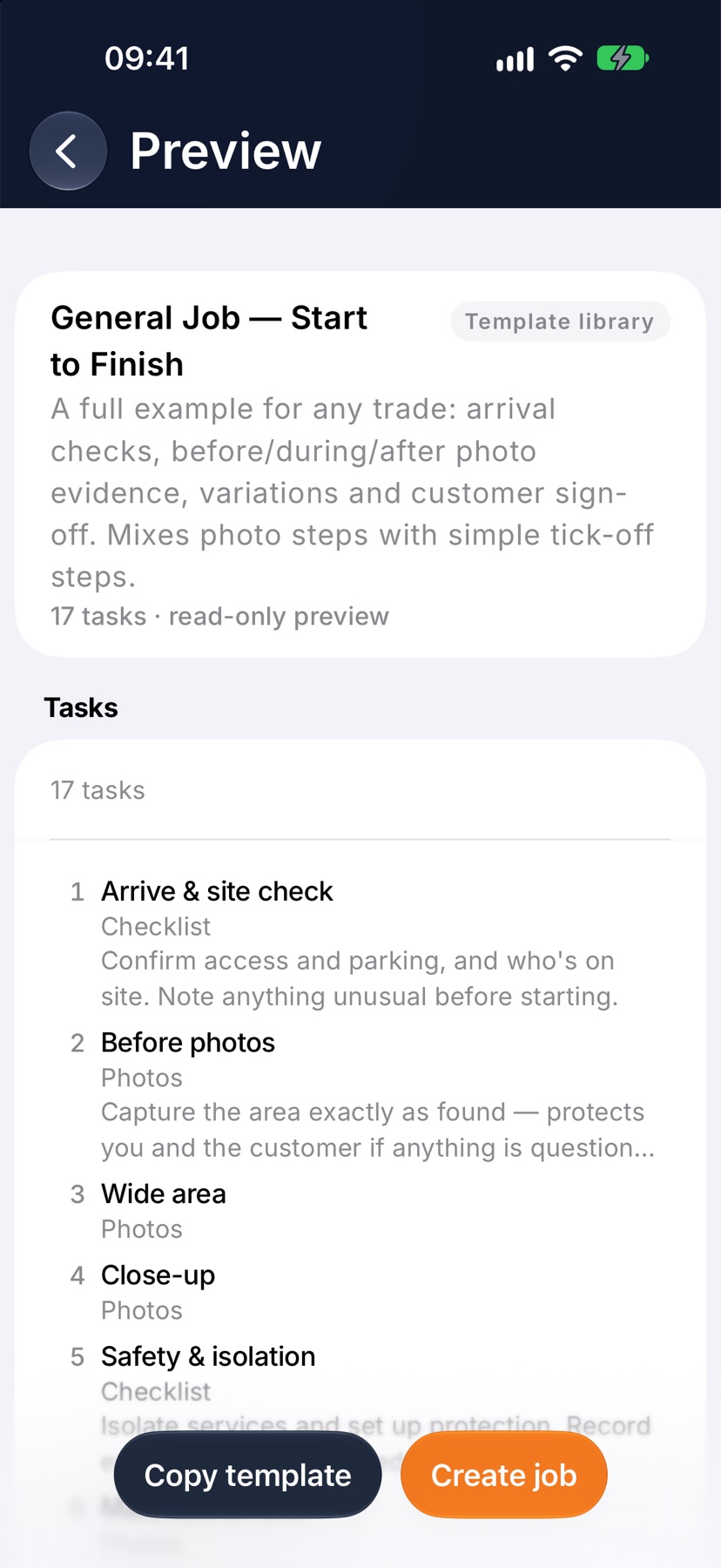
Preview opens any library template read-only on its own screen: every sub-job, group and task, and exactly which photos each one asks for. Nothing is copied.
Create job and Copy template make your own copy#
Create job starts a job with the template and keeps a copy in Your templates. Copy templateadds the copy and opens it to edit. The shared original never changes, and neither do other companies' copies.
What the photo tasks are for#
Each photo task becomes timestamped, GPS-stamped evidence captured on site. It builds the job's evidence record for the client report — and can be attached separately to the invoice at billing time when a customer wants proof of the work.
Tip — quickest start: preview the library example closest to your trade, create a job with it, then edit your copy. Faster than building from blank.
Find a ready-made job sheet in the library, copy it into your own templates, and start jobs from it.
What a template is
A template is a reusable job sheet: the list of tasks for a type of job you do often, such as a boiler service or a radiator replacement. Loading it onto a job adds all of those tasks in one go.
There are two sets. Your templates belong to your company and you can change them. The Template library is a shared set of ready-made templates that every company can see and nobody can edit.
To change a library template, copy it. The copy is yours, and the original stays as it was.
Where to start
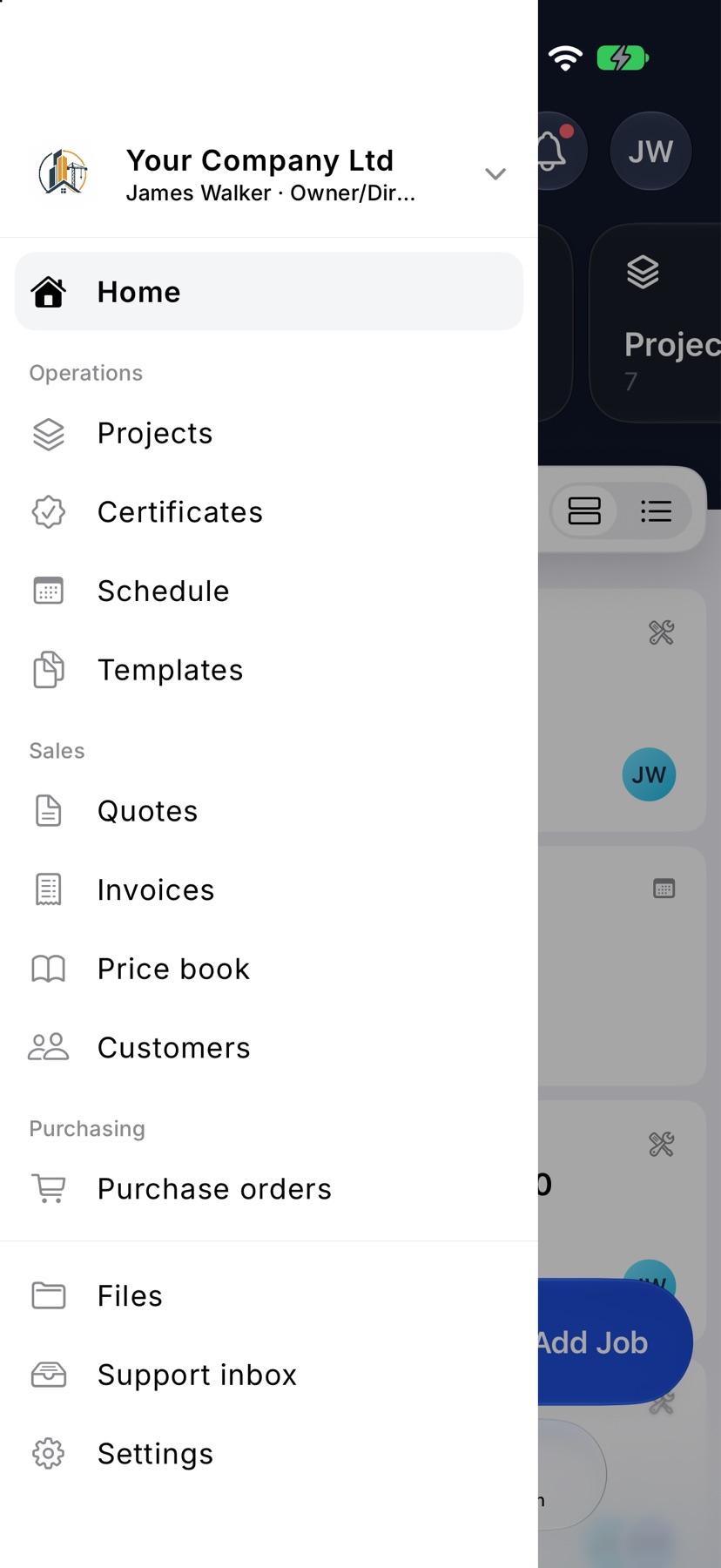
Open the menu with the three-line button at the top left and tap Templates. It sits under Operations. The list shows Your templates first, then the Template library.
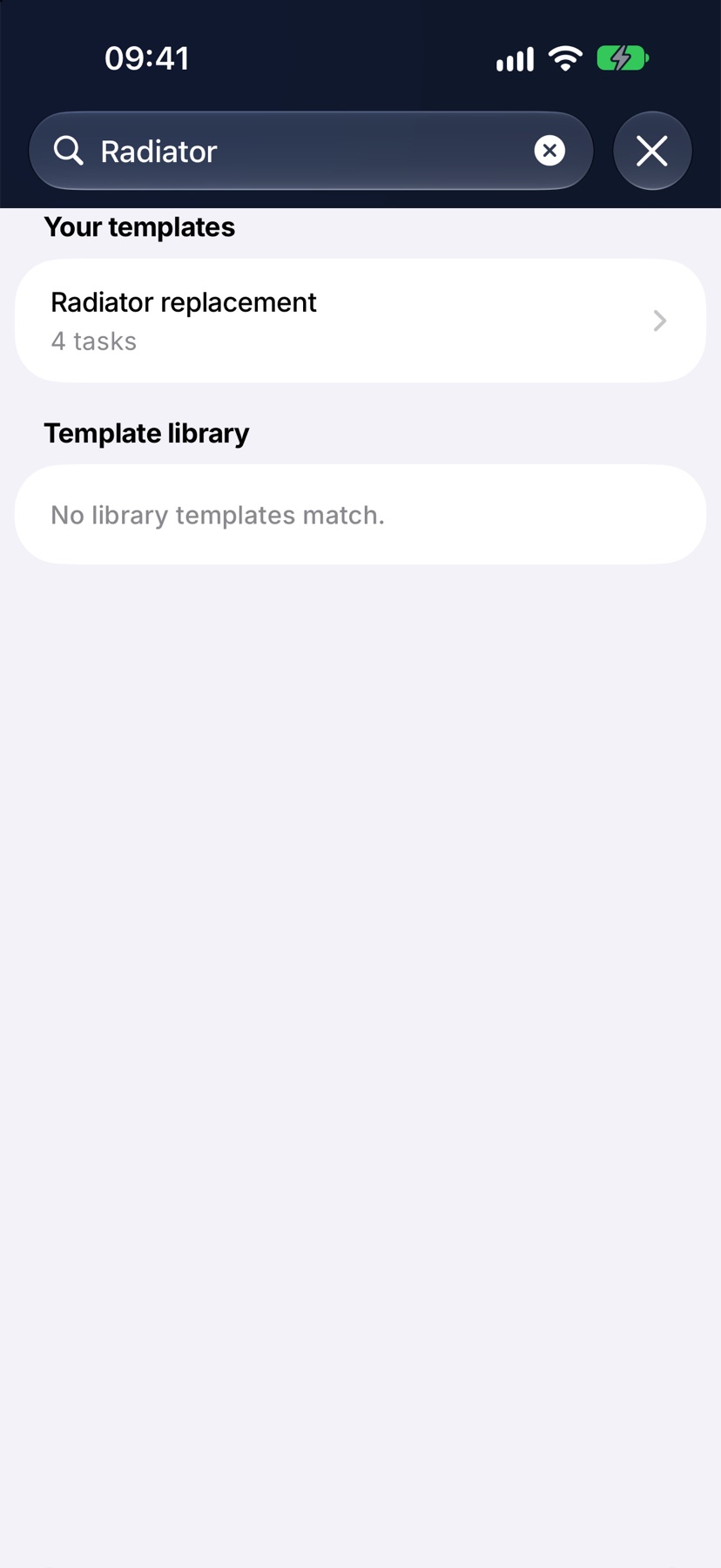
Each row shows the template's name and how many sub-jobs and tasks it makes. Type in Search templates to search both sets at once.
Look inside a library template
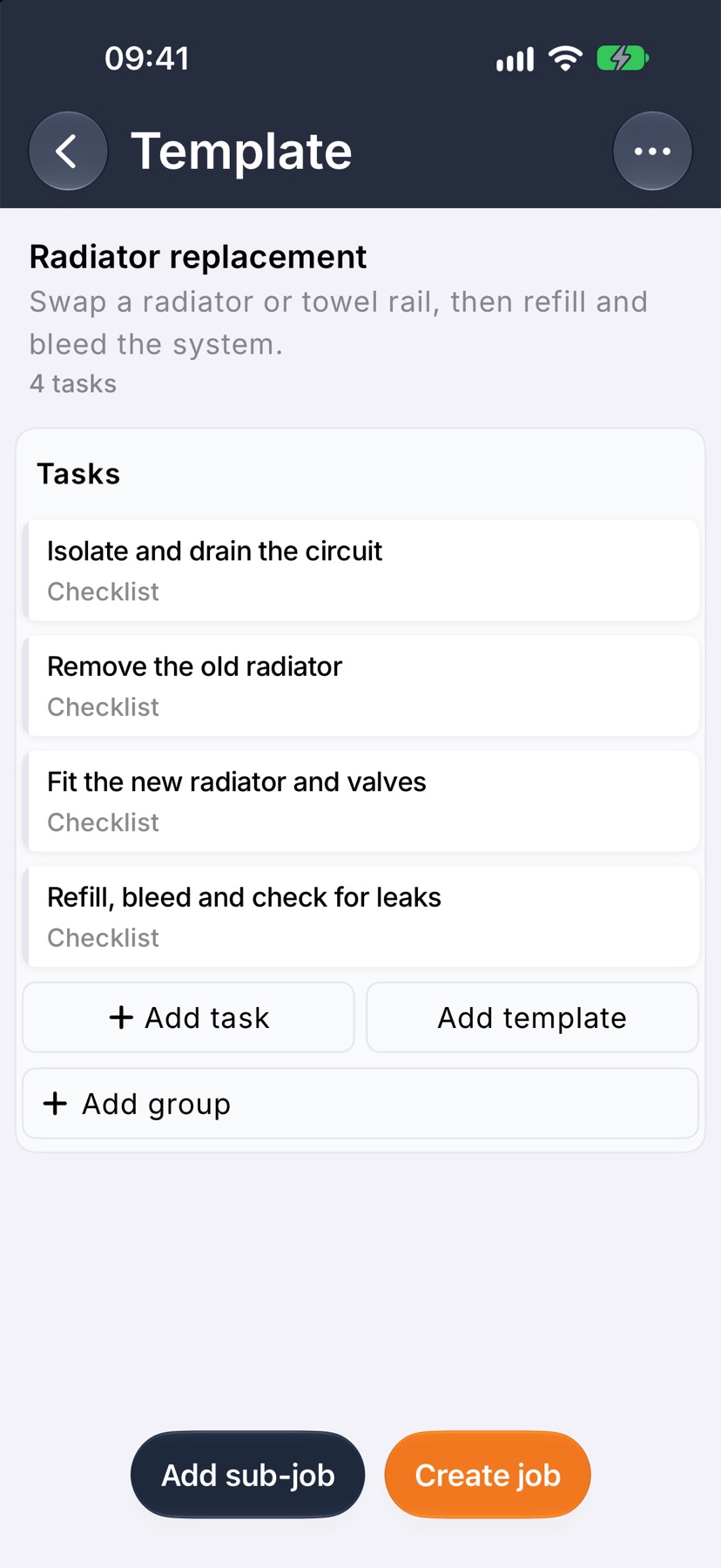
Tap a template in the Template library. Preview opens and shows its tasks, their groups and any sub-jobs, exactly as a job would receive them.
Looking does not copy anything. Go back to the list to try another.
Copy a library template
On Preview, tap Copy template at the bottom. A copy is made in Your templates and opens straight away, ready for you to change its tasks.
Back on the list, a library template you already hold a copy of is marked Added.
Start a job from a template
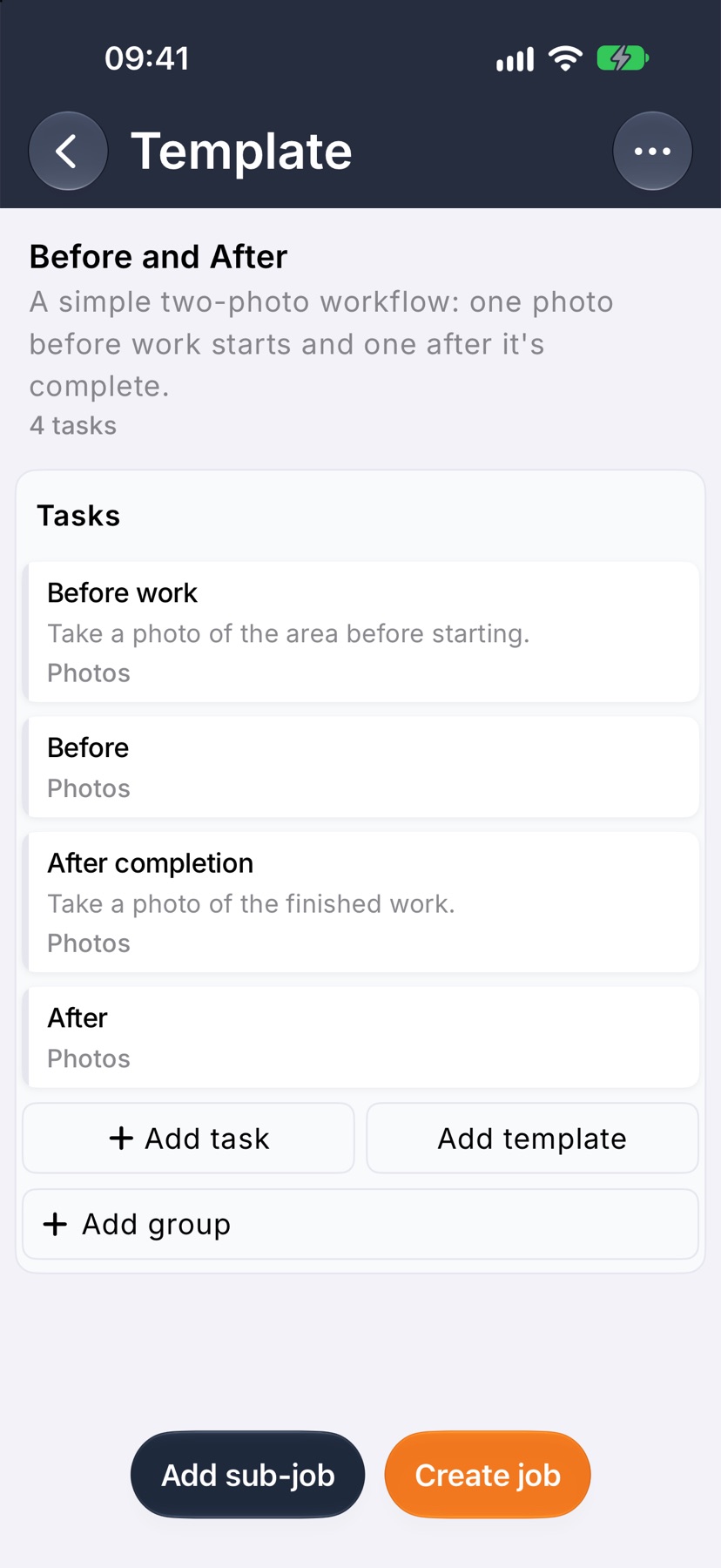
Tap Create job at the bottom of a template. New job opens with that template already chosen. Choose the customer, name the job and create it as usual.
This works from a library template too. The job takes your company's copy of it when it is created.
Rename, delete or set a default
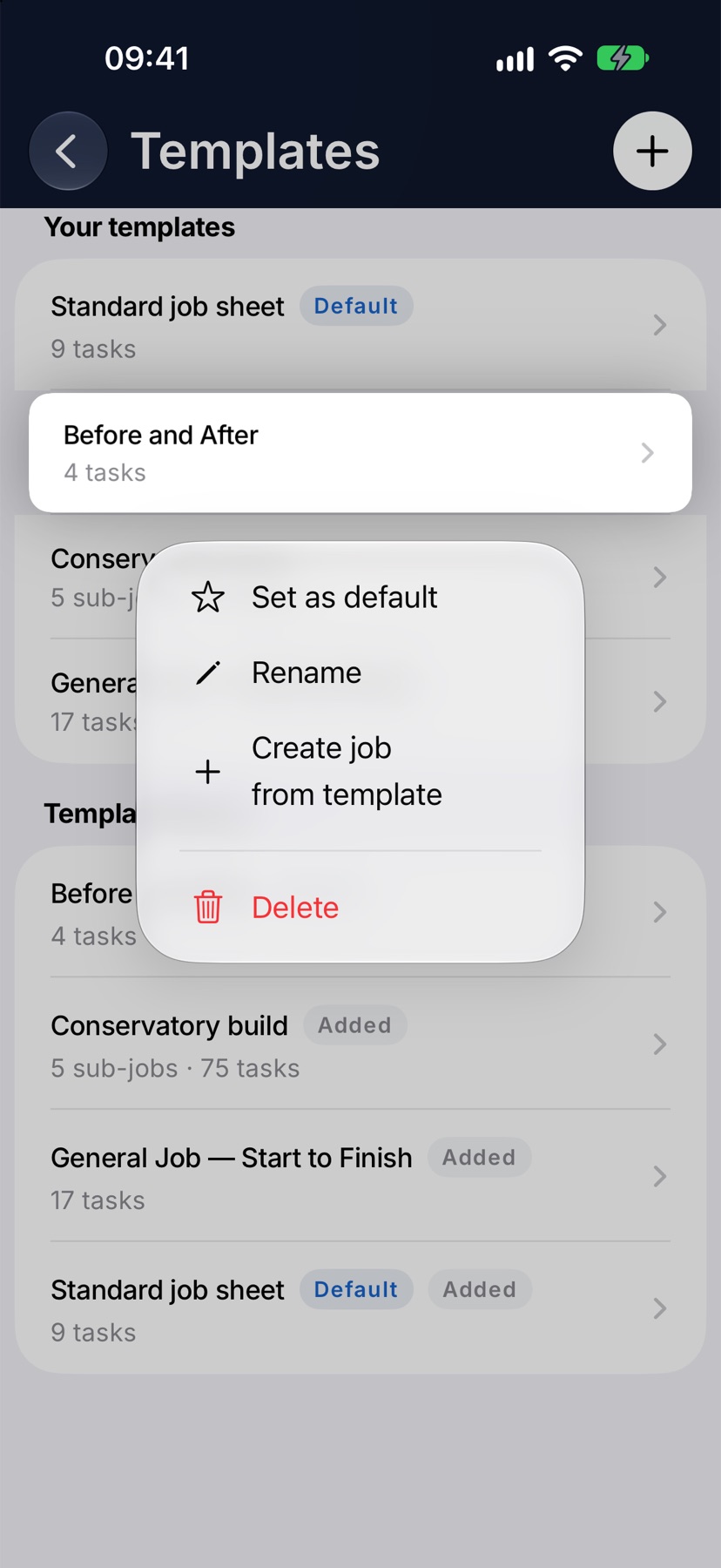
Press and hold one of your own templates for its menu: Set as default, Rename, Create job from template and Delete. Swiping the row to the left also gives Rename and Delete.
The template marked Default is the one a new job starts from. Only one template can be the default.
Deleting a template removes the template and its tasks. Jobs already built from it keep their own job sheets.
Start a template from nothing
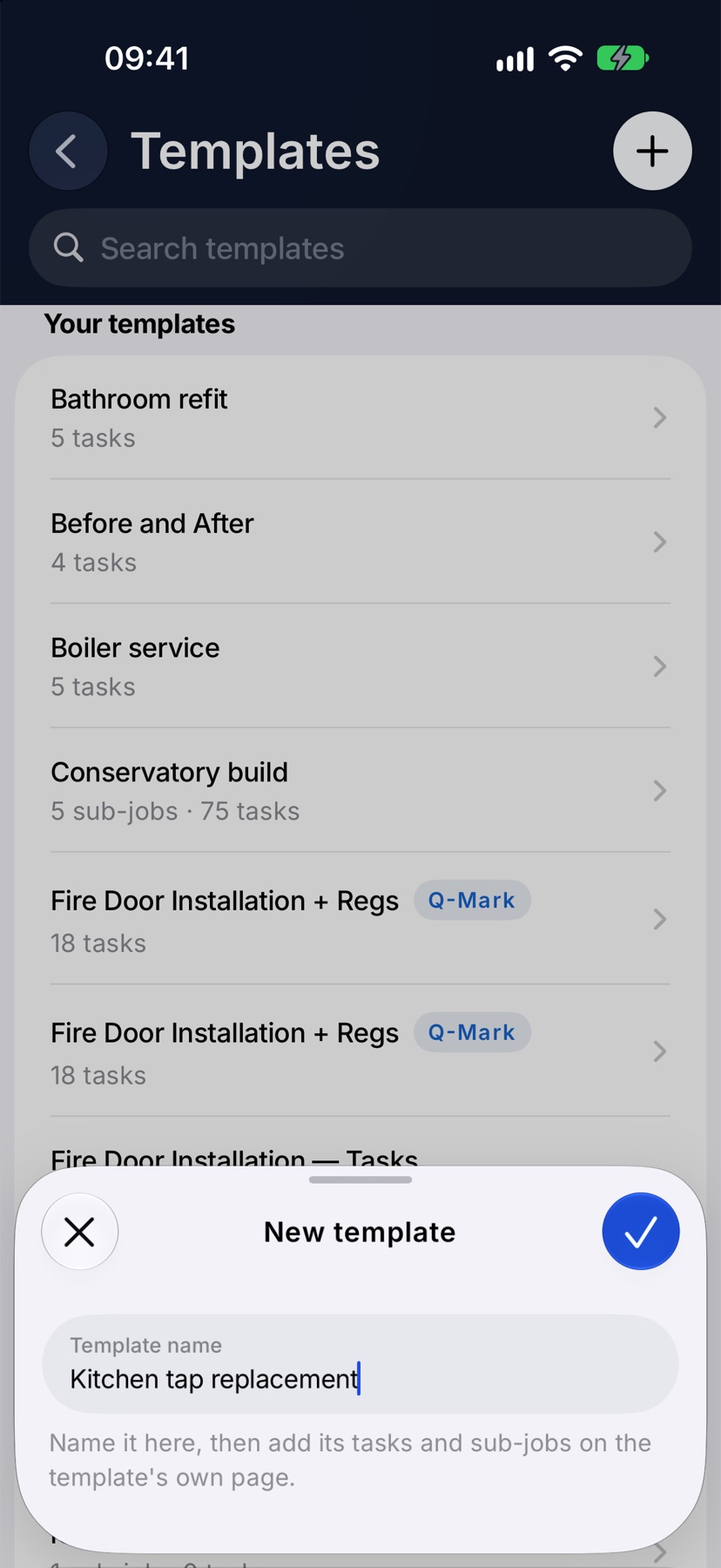
Tap the plus button at the top right of the Templates list. Type a Template name and tap the tick. The empty template opens, ready for its tasks.
More in Templates →
See what else Job sheets can do. Still stuck? Email support@jobivo.co.uk and we'll get back to you.