The certificate register
Find any certificate the company has started or issued, see which are due, and share one again.
What the register is
The register is one list of every certificate in the company, across all jobs. Each certificate shows its number, its form, its state, and the job, customer and address it belongs to.
Use it when a customer or landlord asks for a copy, when you need last year's record for a property, or to see which certificates are coming due.
Where to start
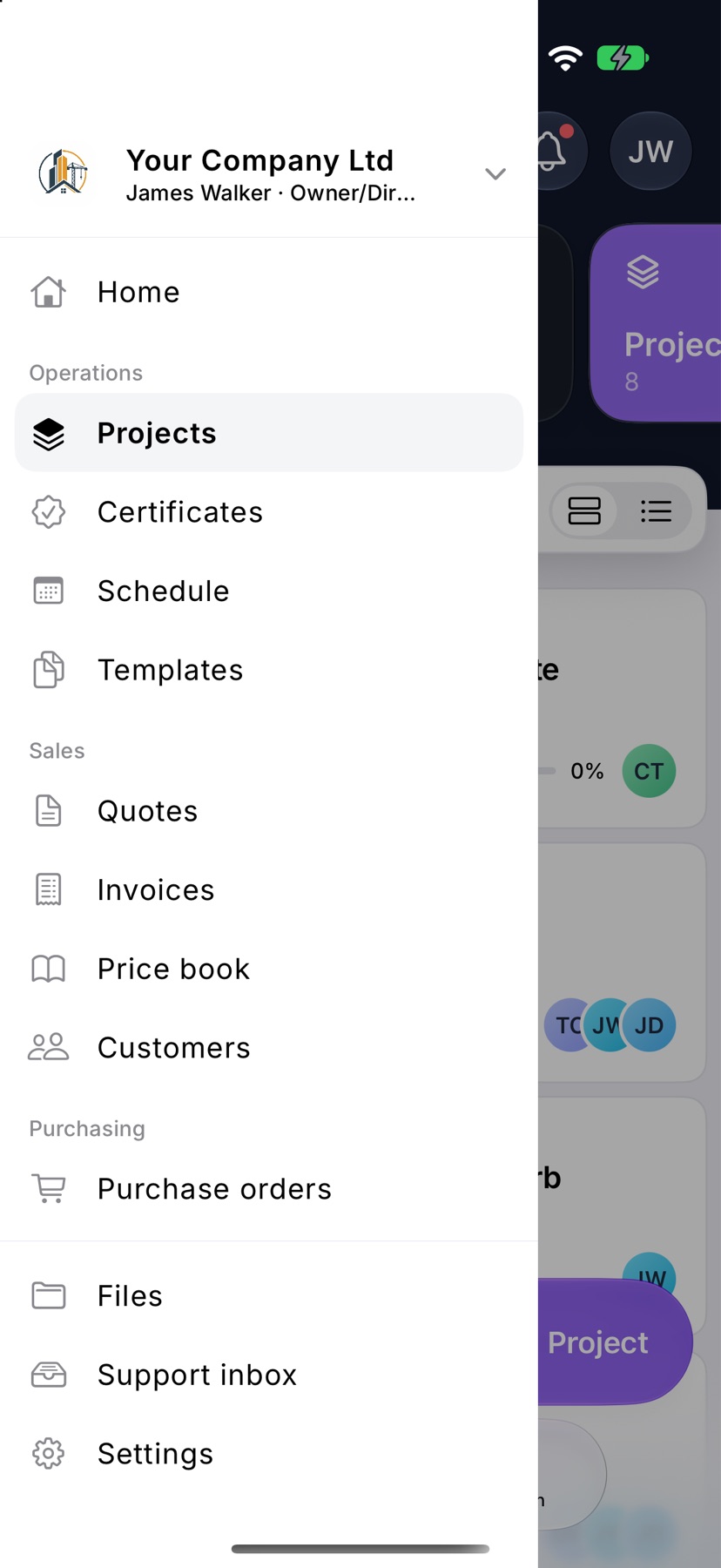
Open the menu and tap Certificates under Operations. Issued certificates are listed newest first.
Find a certificate
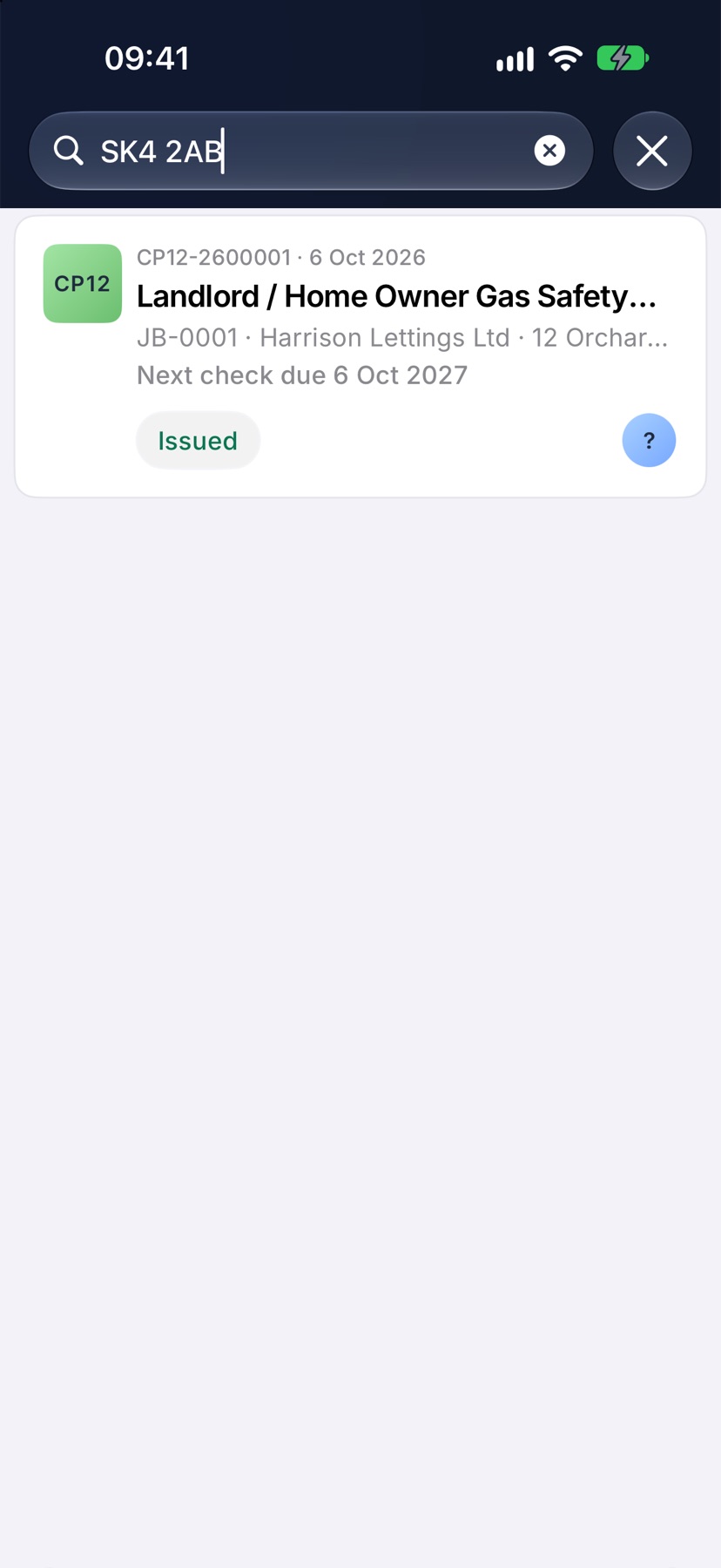
Type in the search field at the top. It searches by certificate number, address, postcode and customer, so a street name or a customer such as Harrison Lettings Ltd is enough.
Each card shows the certificate's number and form name, then the job reference, customer and address beneath.
Filter by status and form
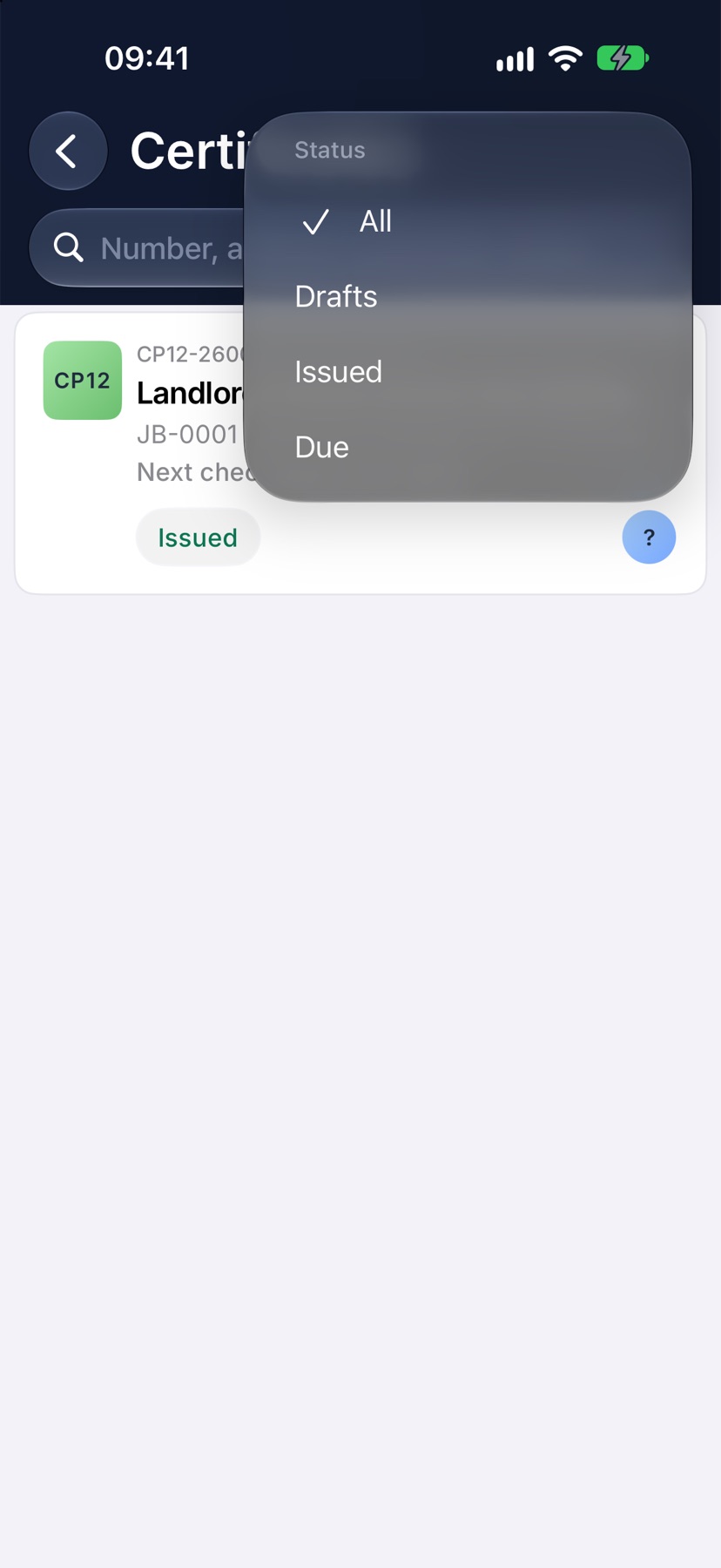
Tap the filter button at the top right. Under Status, choose Drafts, Issued or Due. Under Certificate, choose one form, such as the Gas Safety Record, to see only those.
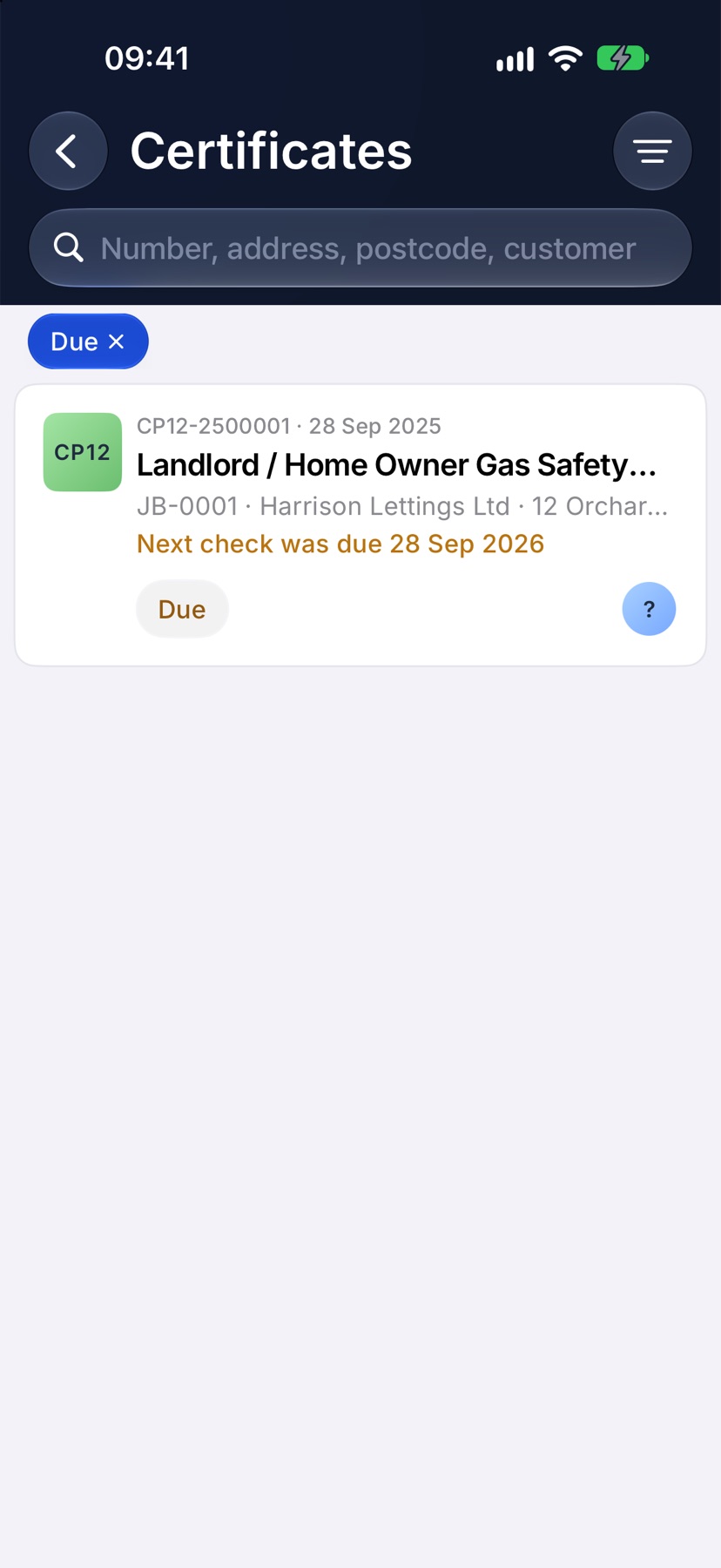
The filters you have chosen appear as chips above the list. Tap a chip to clear it.
See what is due
Filter by Due to list every certificate whose next check date has arrived. Each one shows the date its next check was due.
A certificate stops being due once a newer one is issued for the same property. The older one then shows which certificate replaced it.
Share a certificate again
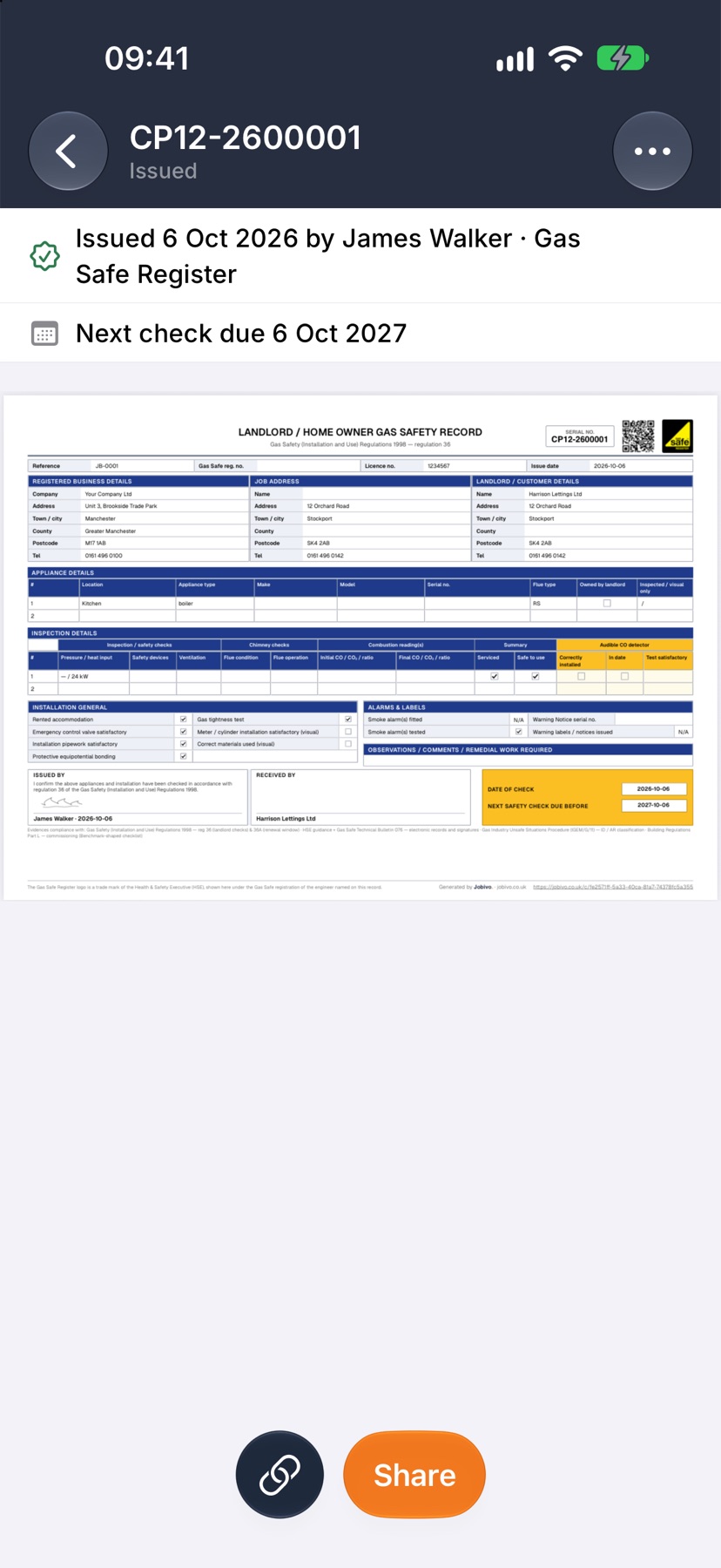
Tap an issued certificate to open it. Tap Share to send the PDF again, or the link button beside it to copy its web link. Download PDF is under the three dots at the top right.
Tapping a draft opens it for editing, where you left off.
More in Certificates & compliance →
- How certificates workDraft, fill in, sign and issue — and the verification page your customer can check.
- Turn on certificate packsChoose your trades, add your scheme numbers, and switch on the forms you issue.
- Fill in and issue a certificateStart from a job, work through the form section by section, sign it and send it.
Still stuck? Email support@jobivo.co.uk and we'll get back to you.