The customer page
Open a customer and you get their whole history in one place: what they owe you, everything you've done for them, and the details that drive their paperwork.
Overview — what they owe you#
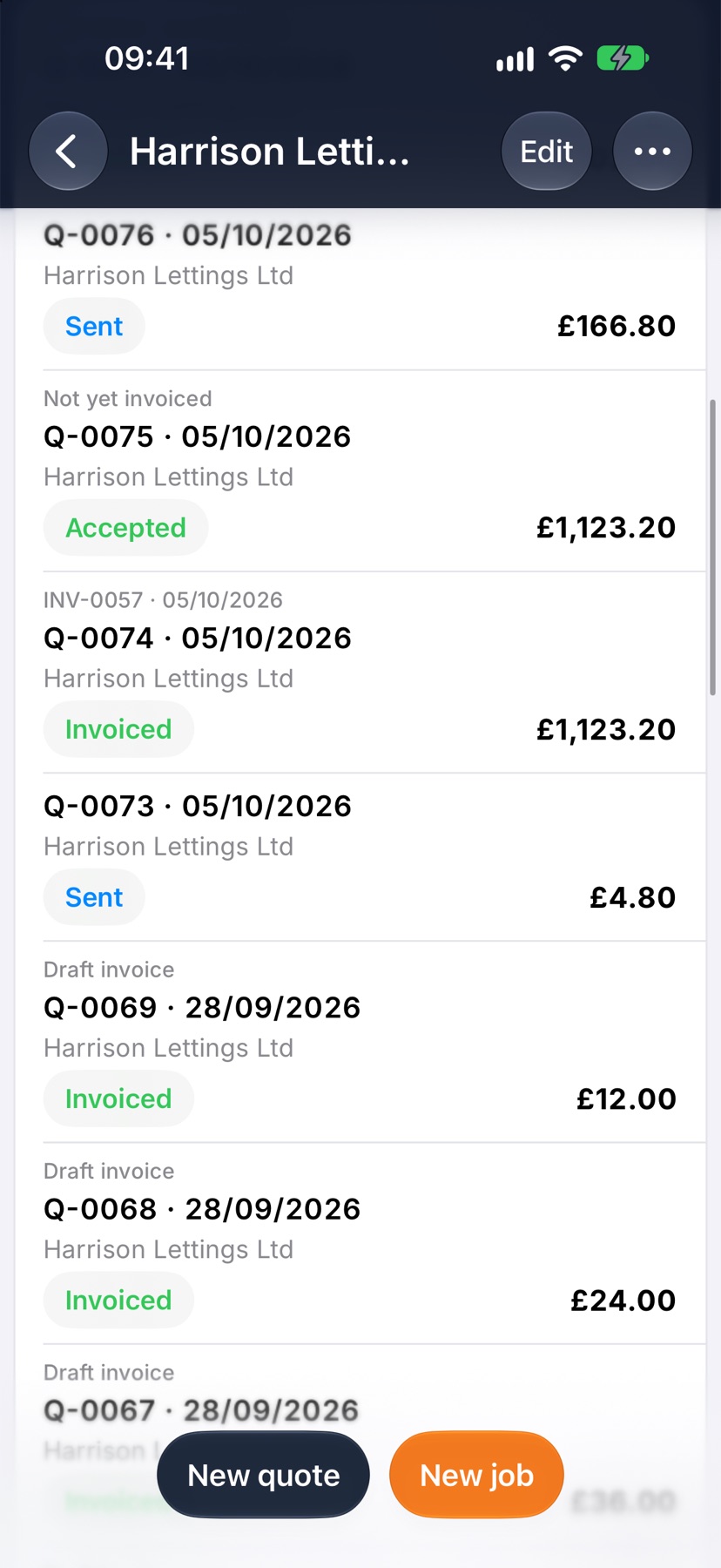
The cards at the top answer the question you actually have: open quotes still waiting on a decision, outstanding invoices sent but unpaid, and overdue — past their due date. Underneath, their quotes and invoices sit in two tables with live statuses.
Jobs & Projects — the work itself#
Every job you've done for them, with progress and status, plus any projects grouping that work. It's the fastest way to answer “what did we do there last time?” before you quote the next one.
Account — their details and terms#
Name, contact, address and the terms that flow onto their documents — currency, payment terms, VAT. Change them here and future quotes and invoices pick the new values up; documents you've already sent keep the terms they were issued with.
The list rolls it all up#
Back on Customers, each row already shows how much work you've done and what's outstanding — so chasing money starts from the list, not from opening every record.
Tip — start the next job from the customer page rather than from Jobs — the customer is already filled in, and their address is what puts the pin on the job's location map.
Read one customer from top to bottom: how to reach them, what they owe, and all the work you have done for them.
What the customer page is
Each customer has one page that gathers everything about them: contact details, what they owe you, their open jobs, their quotes and invoices, and the addresses you work at.
It is the place to check before you ring a customer, and the quickest place to start a new quote or job for them.
What you see depends on your role. Someone without access to quotes and invoices does not see the figures or those lists.
Where to start
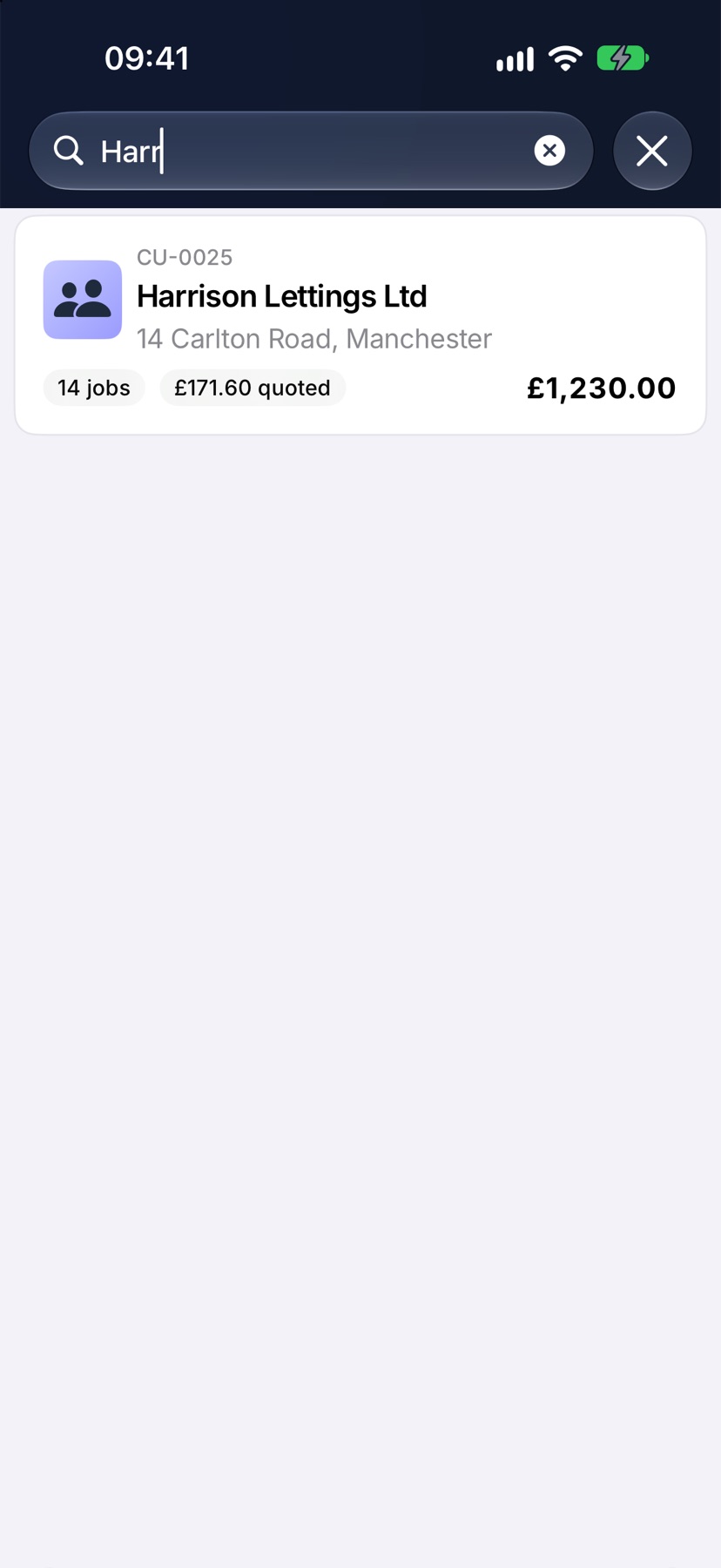
Open the menu with the three-line button at the top left and tap Customers. Type in Search customers to narrow the list, then tap the customer. Their page opens with their name as the title.
Contact details
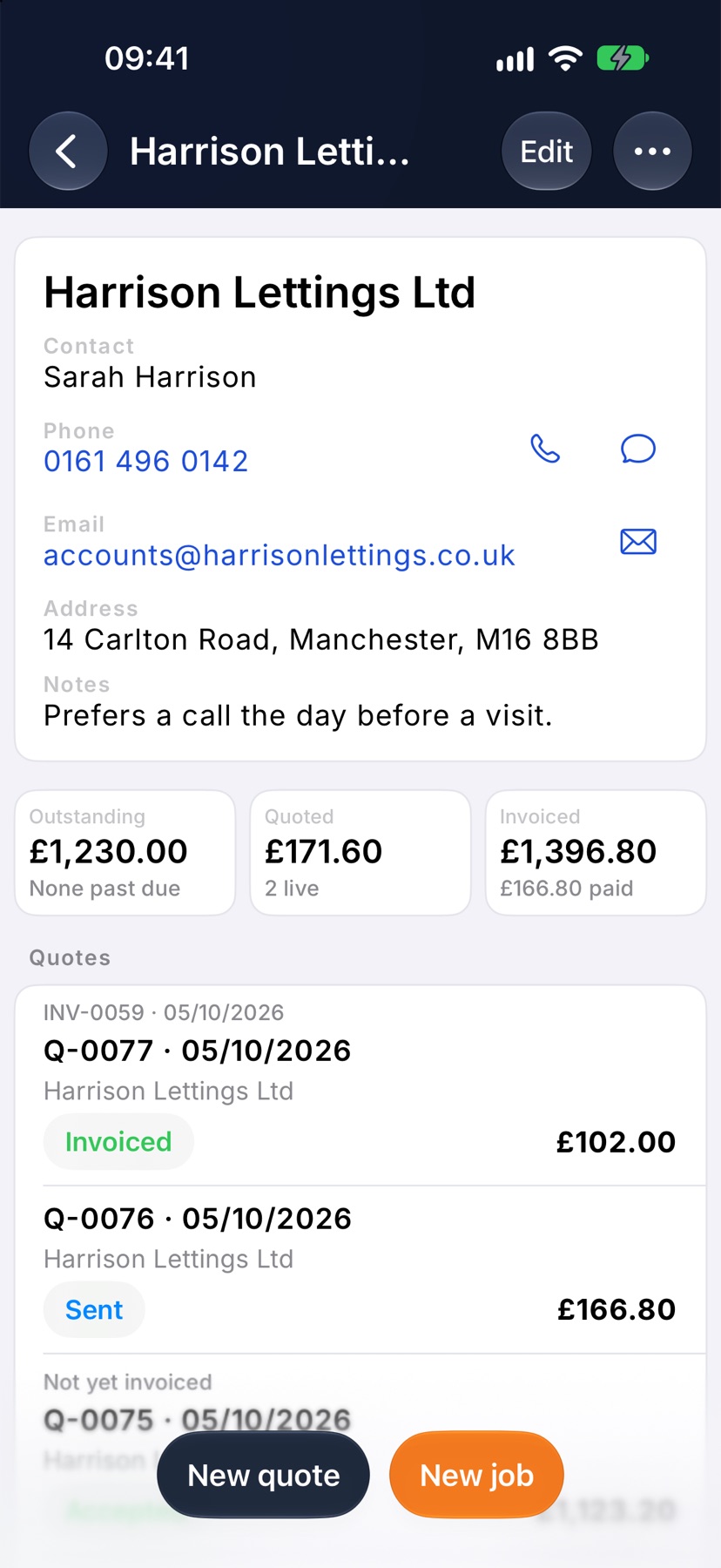
The card at the top shows the customer's name, then Contact, Phone, Email, Address and Notes, for whichever of those are filled in.
Tap the phone number to call, or the email address to write to them. A small map of the address sits under the card.
What they owe and what is quoted
Three figures sit under the contact card. Outstanding is what the customer still owes on sent invoices, and says how many are overdue. Quoted is the value of quotes still open. Invoiced is everything you have invoiced them, with how much has been paid.
Jobs, appointments and snags
Jobs lists the customer's open jobs. Tap one to open it. See all shows every job for this customer, and New job starts one.
Appointments shows what is booked, with Book to add a visit. Snags appears when the customer has open snags.
Quotes and invoices
Quotes and Invoices list every document for this customer with its status. Tap one to open it. New quote and New invoice at the foot of each list start a document for this customer.
Sites, certificates and appliances
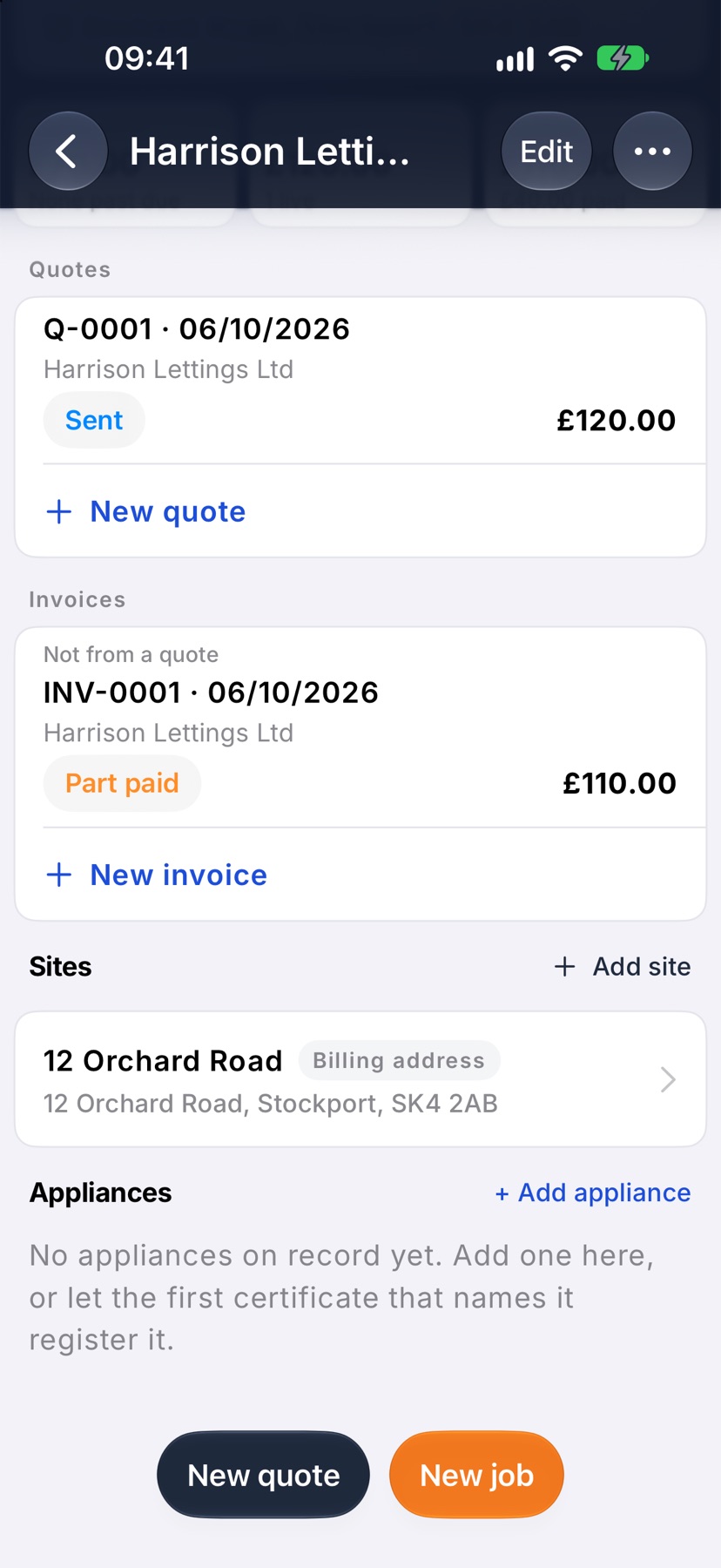
Sites lists each address you work at for this customer. The one marked Billing address matches the address on the customer record. Tap a site for its access notes and site contact, or tap Add site.
If your company issues certificates, Certificates and Appliances follow. Appliances is the register of boilers and other equipment at the customer's properties.
Start work or make changes
New quote and New job stay at the bottom of the page however far you scroll. Each opens with this customer already chosen.
Tap Edit at the top to change the customer's details, address, payment terms or notes. The three-dot button beside it holds Archive customer.
More in Customers & sites →
- Add a customerCreate the business you invoice, set their terms once, and let the address finder do the typing.
- Add a siteRecord each address you work at, with access notes, parking and a site contact.
- The appliance registerKeep each boiler, board or alarm on record, and see every certificate that named it.
- Archive or restore a customerTidy away customers you no longer work for without losing their history.
See what else Customers can do. Still stuck? Email support@jobivo.co.uk and we'll get back to you.