Subscribe via Google Play or the App Store
Buy your company's plan on the iPhone through the App Store, and restore it on a new phone.
What subscribing in the app does
Subscribing in the app buys your company's plan through the App Store, using the Apple ID on the phone. Apple takes the payment each month and it shows with your other App Store subscriptions.
One purchase covers the whole company. You choose a plan by the number of people who need to be active, and every plan includes every feature.
Only the company owner can subscribe. A company that already pays on the web does not need to buy again in the app.
Where to start
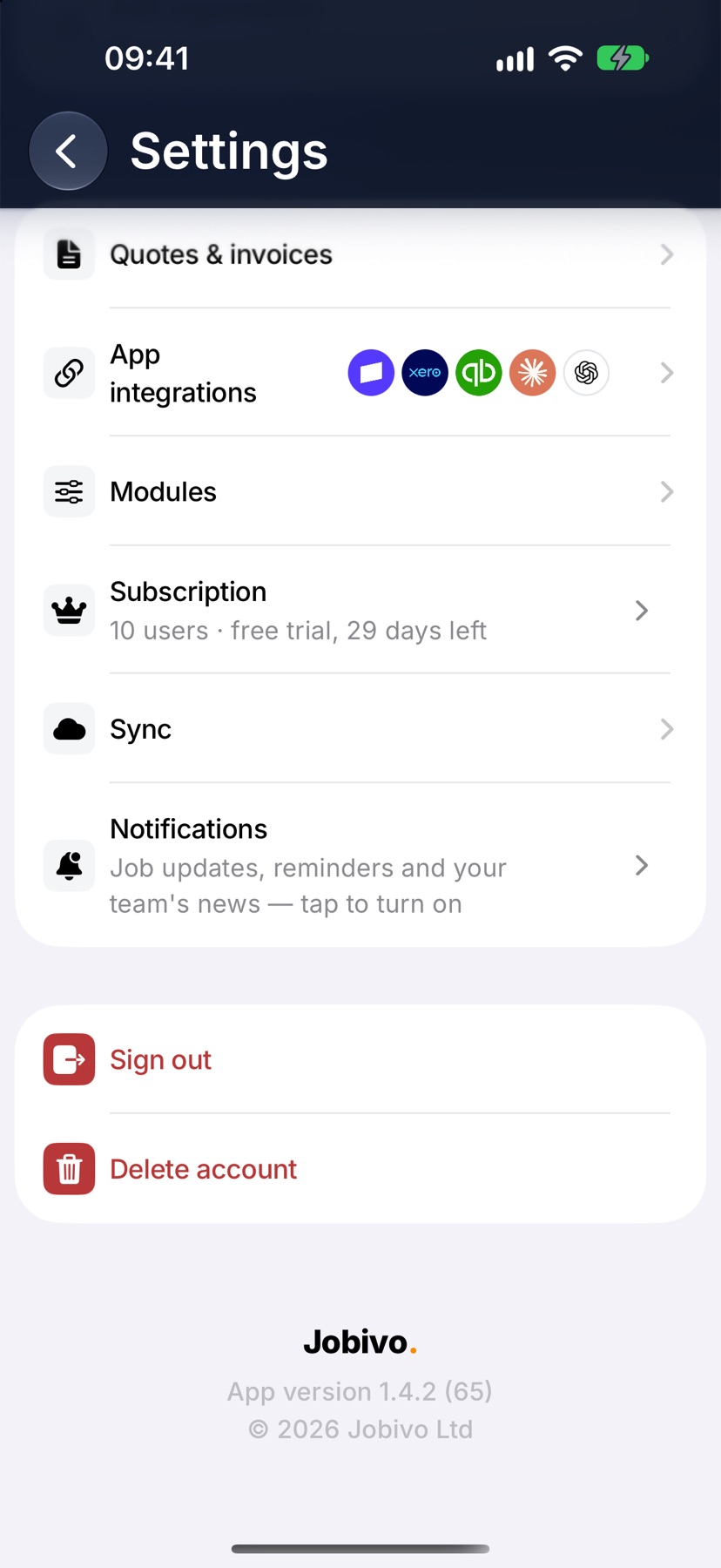
On Home, tap the menu button at the top left, then tap Settings at the bottom of the menu. Under Preferences, tap Subscription.
The same screen opens by itself if a trial has ended and you try to add or change something.
Choose a plan
The card headed Your plan shows where the company stands now. Under Everything included is the list of what every plan covers.
The plans are at the bottom, each with its monthly price: Sole trader, Up to 3 users, Up to 5 users, Up to 10 users and Up to 20 users. Swipe to the one that fits the number of people who need to be active.
Confirm the purchase
Tap the button under the plan. The App Store payment sheet appears with the plan and its price. Confirm it the way you confirm any App Store purchase.
The screen then reads Purchase complete. Your licences update within a minute. If the purchase needs someone else to approve it, the screen reads Purchase pending approval.
Restore a purchase
On a new phone, or after reinstalling, sign in to Jobivo and open Subscription again. Tap the restore purchases link near the plans. The App Store checks the Apple ID on the phone and the plan returns.
Use the same Apple ID that bought the plan. A different Apple ID has no purchase to restore.
Plans that are billed on the web
If the company subscribed on the web, the screen is titled Subscription and reads Subscription managed on the web. The Your plan card still shows the plan and the licences in use, but there is nothing to buy.
Change or cancel that plan from Settings → Plan & billing on the web dashboard.
After subscribing
The Subscription row in Settings shows the number of users and the monthly price. Team members who were waiting for a licence can be made active in Team.
The plan renews each month through the App Store until it is cancelled. To move to a different size, open Subscription and choose another plan.
More in Account & subscription →
- Your profile and signatureYour name, photo, licences and the signature printed on what you sign off.
- SubscriptionPlans scale by people, not features — how licences work and how to change tier.
- Switch company or roleWork for more than one company on one login, or start a second company of your own.
- Delete your accountHow to permanently delete your Jobivo account, and what happens to your data.
Still stuck? Email support@jobivo.co.uk and we'll get back to you.