Suppliers
The merchants and subcontractors you buy from. Suppliers connect your costs — expenses, bills and purchase orders all link back to a name, so spend is never anonymous.
One name, every pound#
Pick the supplier when you log an expense or raise a purchase order — that's it. Every pound you spend with them rolls up here, so “what did we spend at CEF this year?” takes one glance, not an afternoon.
They carry through to your accounts#
With Xero or QuickBooks connected, your suppliers become the contact on every cost pushed across — bills land in your accounts against the right name, with the job reference attached.
Deactivate, don't delete#
Stopped using a merchant? Deactivatethem — they disappear from pickers but all their history stays on your jobs and reports. Nothing you've logged is ever lost.
Tip — no need to set suppliers up first — create one on the spot from any expense or purchase order with “+ New supplier”.
Keep the merchants you buy from in one list, and see what you have spent and ordered with each.
What a supplier is
A supplier is a merchant or subcontractor you buy from. Once a supplier is in your list you can choose it on a purchase order or an expense, and everything bought from it adds up against its name.
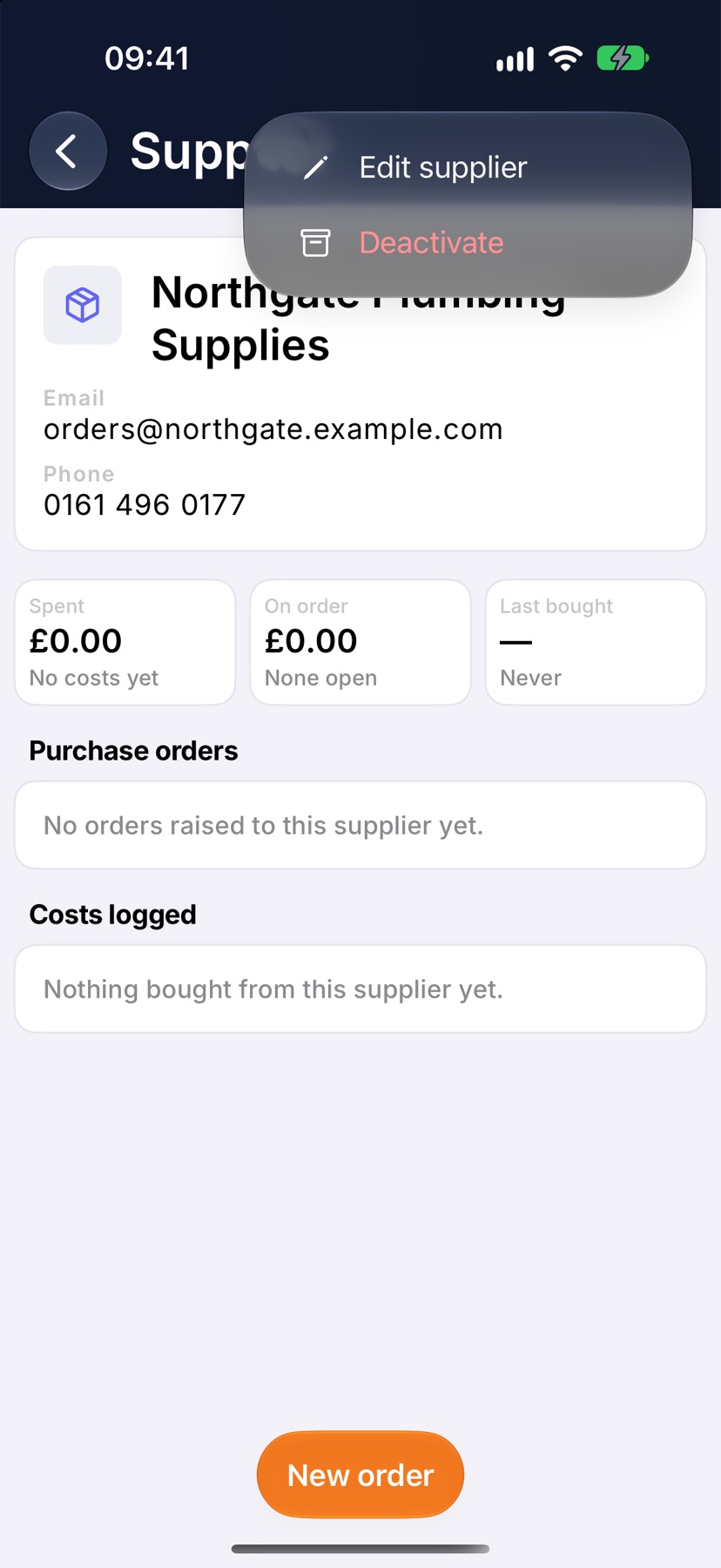
Each supplier has its own page showing what you have spent with it, what is on order, and when you last bought from it.
Where to start
Open the menu and tap Suppliers under Purchasing. Each card shows the supplier's contact details, how many costs and orders it has, and the total spent. Use the search field to find one by name or town.
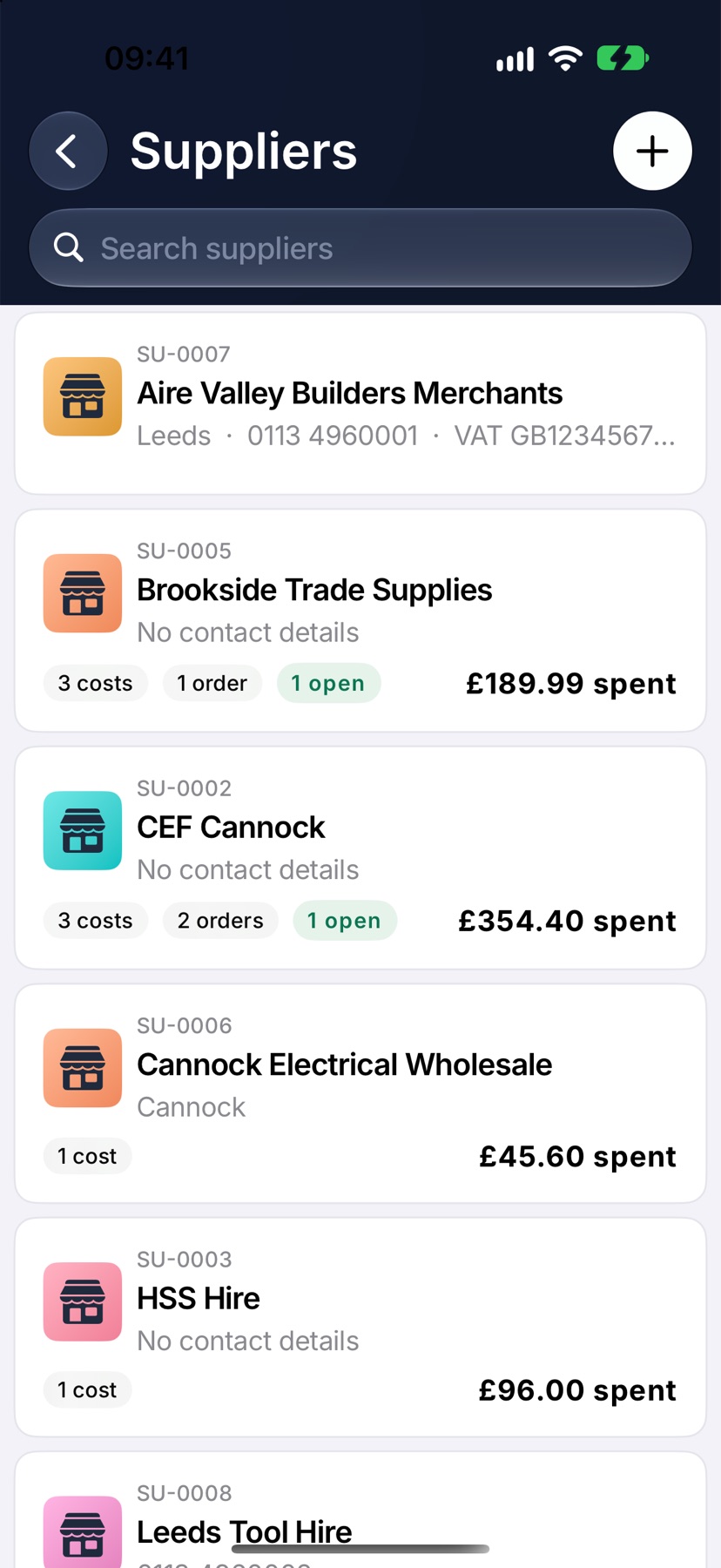
Add a supplier
Tap the plus at the top right. New supplier opens. Enter the Name. Phone, Email and Address are worth adding now: the email is where purchase orders are sent.
Under Additional details you can add a VAT number and Notes, such as your account number or opening hours. Tap Add supplier.
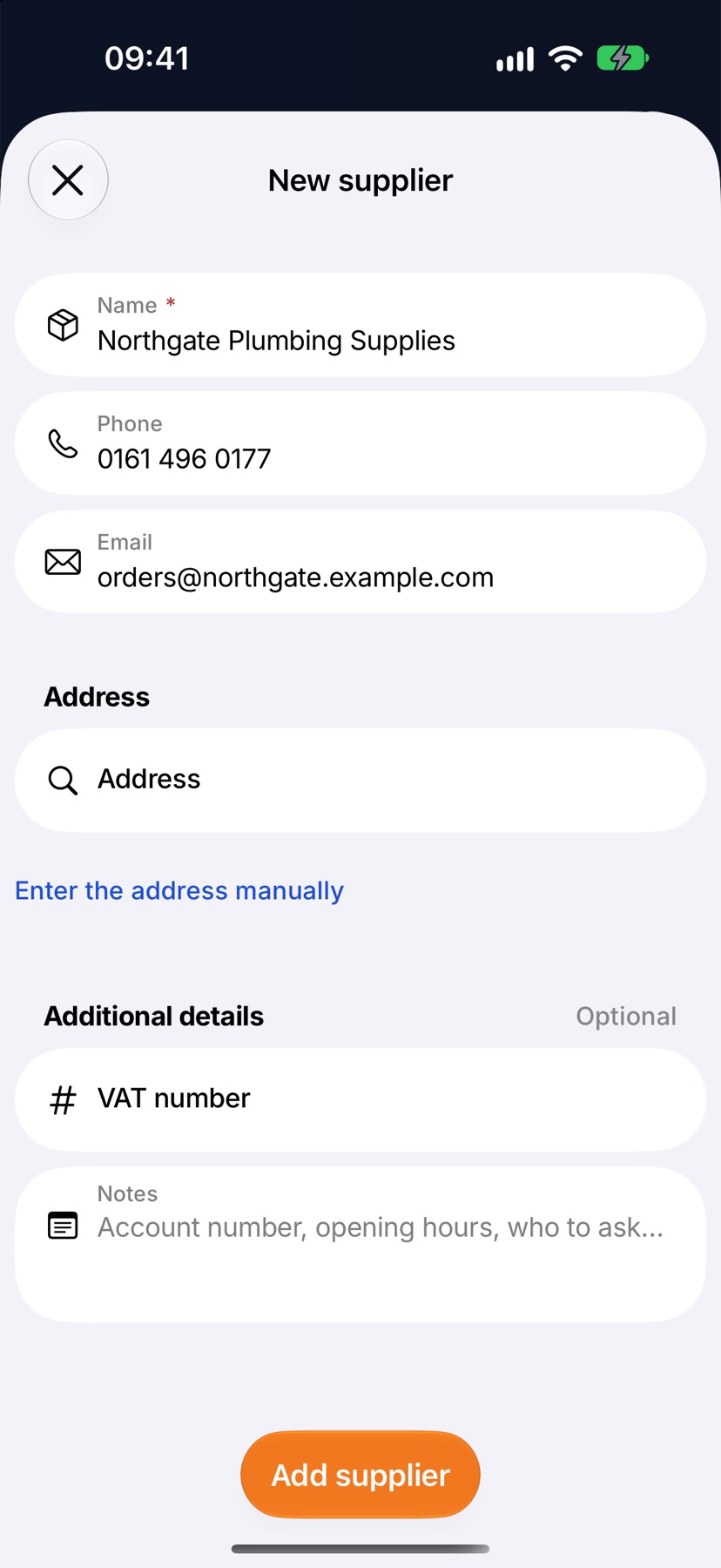
Read a supplier's page
Tap a supplier to open it. Three figures sit under its details: Spent with the number of costs, On order with the number of open orders, and Last bought.
Purchase orders lists the orders raised to this supplier. Costs logged lists what you have bought from it. When there are more costs than fit, the See all row at the end opens the full list.
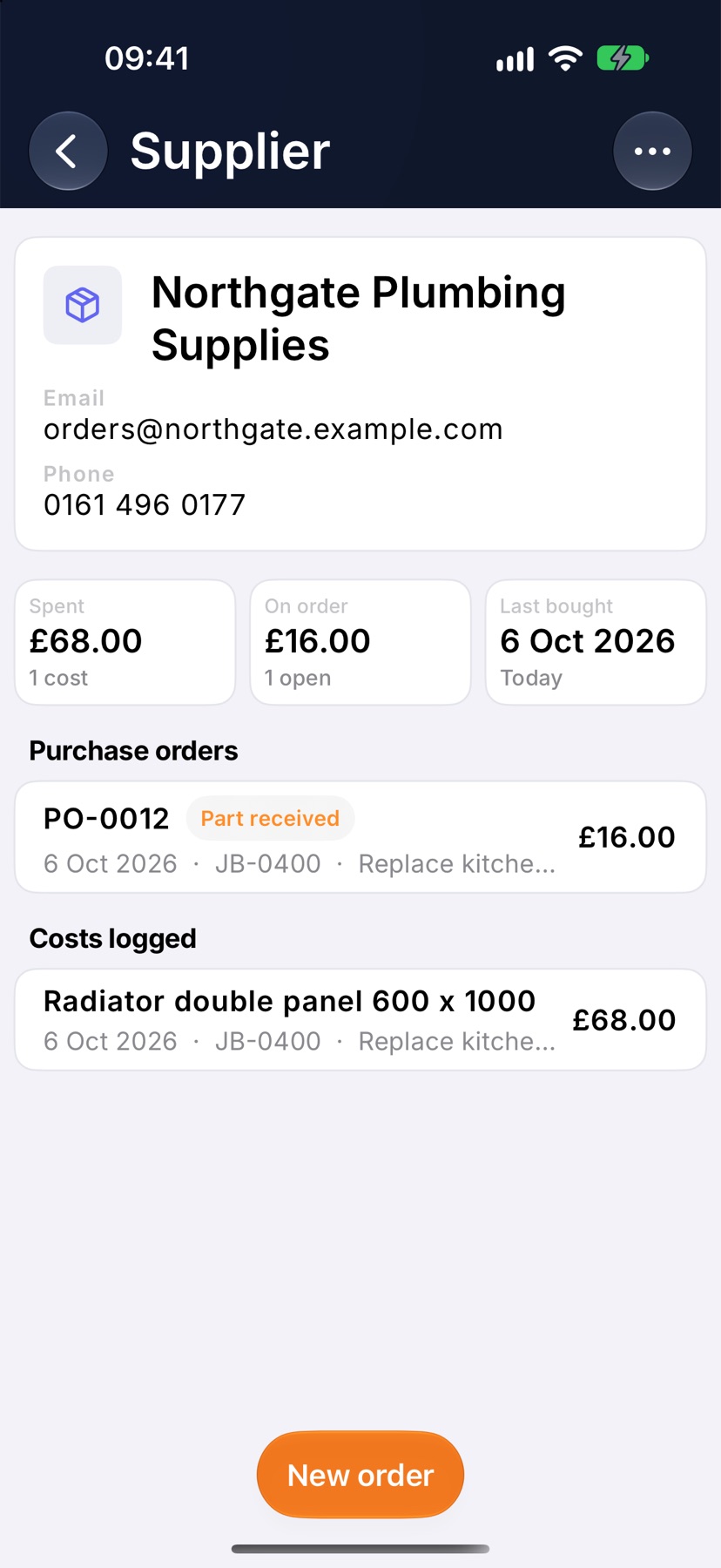
Start an order from a supplier
On the supplier's page, tap New order. A new purchase order opens with this supplier filled in. Choose the Job it is for, then add its lines.
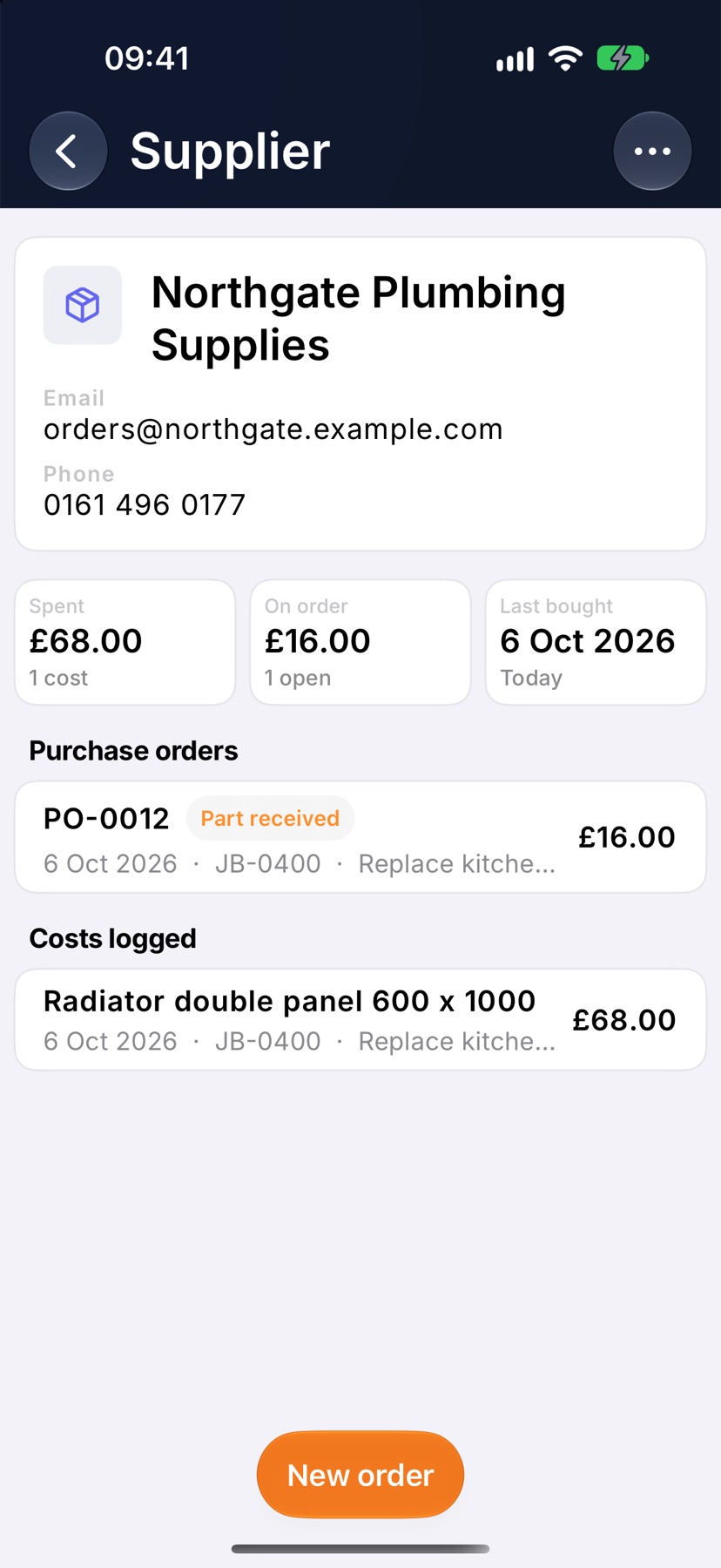
Change or retire a supplier
Tap the three dots at the top right of the supplier's page. Edit supplier opens the same form to change its details.
Deactivate hides a supplier you no longer use from the Supplier choices. Costs already logged keep their link to it, and it shows as Inactive in the list. Tap Reactivate in the same menu to bring it back.
More in Costing & purchasing →
- Estimate, committed, actualHow the cost strip reads, and why committed costs stop a job looking healthier than it is.
- Add costs to a jobBuild up what a job will cost you, see the profit, and quote the customer from it.
- Check a job's profitSee what a job is making, what has been paid, and where the cost is going.
- Purchase ordersRecord what you have ordered the moment you order it, not when the bill lands.
See what else Financials can do. Still stuck? Email support@jobivo.co.uk and we'll get back to you.